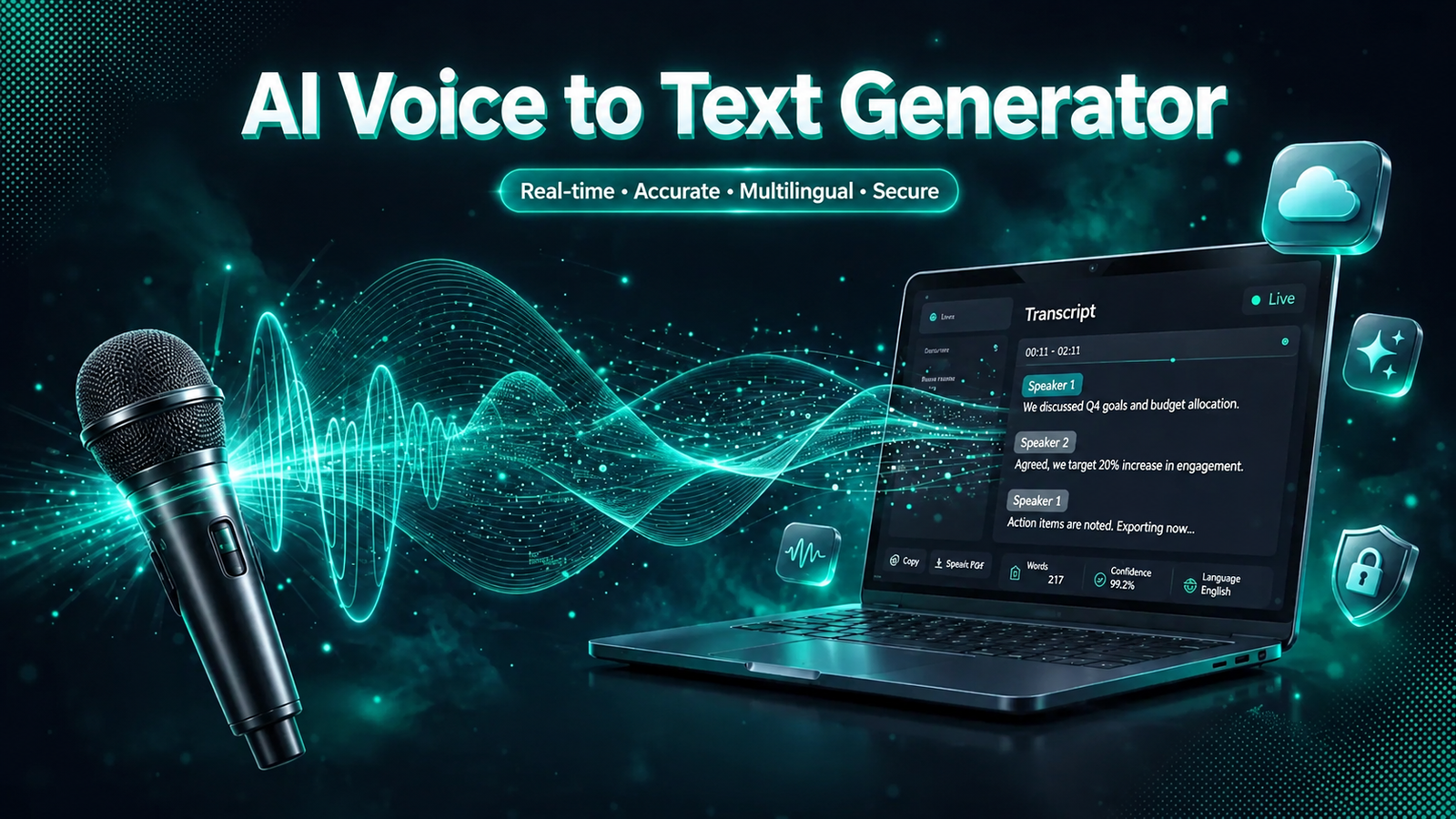
7 Best AI Voice to Text Generators in 2026: Honest Picks for Meetings, Dictation & More
A quick clarification before we begin, because the keyword itself causes confusion: this guide covers tools that turn your voice into text speech recognition, transcription, and dictation. If you are looking for tools that read text aloud in a human-like voice (text-to-speech), that is a different category entirely. Here, we focus on the best AI voice to text generators for converting spoken words into accurate written text.
Whether you need to transcribe meetings, dictate documents hands-free, or convert recordings into editable text, the right AI voice to text generator can save hours every week. But tools differ enormously in accuracy, language support, pricing, and privacy and vendor marketing rarely tells you where each one falls short. This guide compares seven leading options honestly, so you can choose with confidence.
How AI Voice-to-Text Actually Works
Modern voice to text apps use automatic speech recognition (ASR): acoustic models map the sounds you make to phonemes, and language models predict the most likely word sequences. Leading systems are built on Transformer architectures, and the newest dictation apps add a large-language-model layer that cleans up grammar, removes filler words, and reformats your speech in real time.
One honest note on accuracy: vendors love advertising 98–99% accuracy, but those figures assume clean, studio-quality audio with a single clear speaker. In real-world conditions accents, overlapping speech, background noise every tool makes mistakes and you should expect to proofread. The most reliable test is not a vendor demo but your own worst audio sample.
The 7 Best AI Voice to Text Generators Quick Comparison
Pricing below was checked in October 2026 and changes frequently always confirm on the official site before buying.
| Tool | Best for | Free plan | Paid from* | Standout feature |
|---|---|---|---|---|
| Otter.ai | Live meeting transcription | 300 min/month | $8.33/user/mo (annual) | Real-time transcription with AI meeting summaries |
| Notta | Multilingual transcription | 120 min/month | ~$8.17/mo (annual) | 58 languages with translation |
| Fireflies.ai | Searchable meeting archives | Unlimited transcription (storage-capped) | $10/seat/mo (annual) | CRM integrations for sales teams |
| Descript | Creators editing audio via text | Limited free tier | $16/mo (annual) | Edit recordings by editing the transcript |
| Superwhisper | AI dictation into any app | Free tier (smaller models) | $8.49/mo | On-device/offline mode, 100+ languages |
| Happy Scribe | Subtitles + transcription | Trial only | $8.50/mo (annual), 120 min | Subtitle workflows with human proofreading option |
| Rev | Critical audio needing human review | Pay-as-you-go AI | AI + human tiers (confirm on rev.com) | Human transcriptionists for maximum accuracy |
Prices change often; verify current pricing on each official website.
1. Otter.ai Best for Live Meeting Transcription
Otter.ai remains the default choice for professionals who live in meetings. It joins your Zoom, Google Meet, or Teams calls, transcribes in real time, identifies speakers, and generates AI summaries with action items afterward.
Strengths: mature real-time engine, solid integrations, generous 300-minute monthly free tier for light users.
Limitation: accuracy drops noticeably with crosstalk, heavy accents, or poor microphones and it is primarily English-centric compared with multilingual rivals.
2. Notta Best for Multilingual Transcription
Notta supports 58 languages and adds translation on top of transcription, making it a strong pick for international teams and multilingual content. It handles live meetings, uploaded files, and screen recordings.
Strengths: broadest language coverage in this list, clean interface, useful translation layer.
Limitation: the free tier caps individual recordings at a few minutes, and like all ASR tools it struggles with heavy accents and overlapping speakers.
3. Fireflies.ai Best for Searchable Meeting Archives
Fireflies.ai is built for teams that treat meetings as data: every call becomes a searchable transcript pushed to your CRM, with topic tracking and talk-time analytics that sales managers love.
Strengths: unlimited transcription on the free tier (storage is the cap), deep CRM integrations.
Limitation: the separate AI-credit system can push heavy users past the sticker price — check what counts against credits before committing.
4. Descript Best for Creators Who Edit by Text
Descript flips the workflow: instead of transcribing finished audio, you edit the transcript and the audio follows. Podcasters and video creators can delete filler words, rearrange segments, and publish all from a text document.
Strengths: genuinely revolutionary editing paradigm for creators; solid transcription quality underneath.
Limitation: two separate meters (media hours plus AI credits) make pricing harder to predict, and there is no live meeting bot.
5. Superwhisper Best AI Dictation App
Superwhisper represents the new wave of LLM-powered dictation: press a hotkey, speak naturally, and polished text appears in any app with fillers removed and formatting applied automatically. It supports 100+ languages and can run models on-device for offline use.
Strengths: the fastest way to turn thoughts into clean text; on-device processing is a genuine privacy advantage.
Limitation: offline models require Apple Silicon; the free tier uses smaller, less capable models.
6. Happy Scribe Best for Subtitles and Transcription Together
Happy Scribe combines AI transcription with professional subtitle workflows, and offers human proofreading when accuracy truly matters. If your end product is captioned video, it deserves a close look our guide to AI subtitle generator tools covers the captioning side in more depth.
Strengths: purpose-built subtitle editor, 60+ languages, optional human review.
Limitation: mid-pack AI accuracy on difficult audio; the free offering is a trial rather than a usable free tier.
7. Rev Best When Accuracy Cannot Be Compromised
Rev is the only service here offering human transcriptionists alongside AI. For legal proceedings, medical dictation, or broadcast captions where errors are costly, human review remains the gold standard no AI has fully matched.
Strengths: human-reviewed transcripts for critical work; fast turnaround options.
Limitation: human transcription costs far more per minute than AI; confirm current AI-tier pricing on rev.com, as listed prices vary between sources.
Free Voice-to-Text Options Worth Knowing
Before paying for anything, know what you already own. Google Docs Voice Typing (in any Chrome browser, under Tools) offers free, unlimited live dictation with zero setup ideal for drafting documents by voice. Apple Dictation on iPhone and Mac handles quick notes and works offline for major languages.
The trade-offs: both do live speech only neither transcribes uploaded audio files, identifies speakers, or summarizes meetings. For casual dictation they are genuinely sufficient; for professional transcription workloads, the paid tools above earn their price.
How to Choose the Right Tool
Test on your own audio. Vendor demos use clean samples. Record a typical meeting or dictate in your normal environment, then compare outputs accuracy on your voice, your accent, and your background noise is the only metric that matters.
Match the tool to the job. Live meetings need a meeting bot (Otter.ai, Fireflies.ai, Notta). Dictation into any app needs a dictation tool (Superwhisper). Editing recordings needs an editor (Descript). Uploaded files need a file-transcription service (Notta, Happy Scribe, Rev).
Check languages and speaker identification. If you work multilingually or with panel discussions, verify language support and diarization quality these vary far more between tools than marketing suggests.
Weigh privacy honestly. Cloud tools upload your audio to their servers; on-device options (Superwhisper’s offline mode, Apple’s on-device dictation) keep it local. For legal, medical, or confidential work, this distinction matters more than a few percentage points of accuracy.
Read the free tier carefully. Minutes per month, per-recording caps, storage limits, and feature locks differ widely. Map your actual weekly usage against the free tier before assuming it is enough.
Frequently Asked Questions
What is the most accurate AI voice to text generator?
No independent test crowns a single winner across all conditions, because accuracy depends on audio quality, accents, and vocabulary. For AI-only transcription, Otter.ai, Notta, and Descript consistently rank well in real-world use; for maximum accuracy on critical audio, Rev’s human transcriptionists remain the most reliable option. Always test with your own recordings.
Is there a completely free AI voice to text generator?
Yes, with limits. Google Docs Voice Typing and Apple Dictation are free and unlimited for live dictation. Among dedicated tools, Otter.ai offers 300 free minutes monthly and Fireflies.ai offers unlimited transcription on a storage-capped free tier. Free tiers generally exclude advanced features like speaker identification, summaries, or long recordings.
Can AI voice to text generators work offline?
Some can. Superwhisper offers on-device models (requiring Apple Silicon), and Apple Dictation processes major languages offline. Most meeting transcription tools Otter.ai, Fireflies.ai, Notta are cloud-only, which means your audio is uploaded to their servers. If you handle sensitive conversations, prefer on-device processing or verify the vendor’s security certifications.
Picking the Right Voice-to-Text Tool
The best AI voice to text generator is not the one with the highest advertised accuracy it is the one that fits your workflow. Meeting-heavy professionals should start with Otter.ai or Fireflies.ai; multilingual teams with Notta; creators with Descript; fast dictators with Superwhisper; and anyone handling critical audio with Rev’s human review. Test two finalists on your own recordings, check the free tier against your real usage, and confirm current pricing before committing. The few minutes of testing will save you months on the wrong tool.

- How Many Weeks Between Two Dates? A Simple, Accurate Guide - October 16, 2026
- What Elements Are Foundational for SEO with AI? The Two-Layer Framework for 2026 - October 15, 2026
- 9 Best HARO Alternatives in 2026 (After HARO Shut Down) - October 15, 2026