
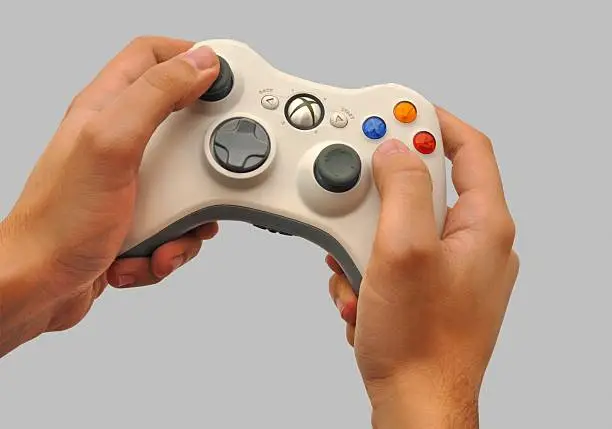
Xbox 360 Controller Mods: Best Upgrades for Better Gaming
Xbox 360 controller mods remain popular because the controller is still comfortable, durable, and easy to customize. Many gamers continue using it for PC setups, retro gaming, and repair projects because it offers familiar ergonomics and solid compatibility. If you want a controller that feels more personal, more responsive, or simply more reliable, modding is still a practical option.
Why Xbox 360 Controller Mods Still Matter Today
Xbox 360 controller mods still matter because the controller has aged well and remains one of the easiest gamepads to upgrade. Instead of replacing a worn controller, many players choose to repair or improve the one they already own. That keeps costs down and often gives better long-term value.
- Replacement parts are still available.
- The layout remains comfortable for most hands.
- Many repairs are simple enough for beginners.
- Modding can extend the controller’s life.
The controller also remains useful in PC gaming, where Xinput support keeps it relevant for many titles. For players who want a dependable classic, small improvements can make a big difference.
Common Upgrades Gamers Choose First
The most common Xbox 360 controller mods are the ones that improve wear-prone parts or refresh the controller’s look. Players often start with analog sticks, D-pads, grips, or shells because those are the parts that show use the fastest. These changes are easy to notice and can improve daily comfort right away.
Popular first upgrades include:
- Thumbstick replacements.
- D-pad rubber or button repairs.
- Shell color swaps.
- Trigger spring adjustments.
- Grip texture improvements.
A good upgrade does not need to be flashy to be useful. Even a small improvement in grip or button feel can make longer sessions more comfortable.
Performance Mods That Improve Gameplay Feel
Some Xbox 360 controller mods are aimed at better gameplay rather than just appearance. These changes are especially helpful in shooters, racing games, or competitive play where timing and control matter. Better trigger response and tighter stick behavior can help the controller feel more precise.
Useful performance changes include:
- Reduced trigger travel.
- Cleaner analog calibration.
- Tighter thumbstick tension.
- Better internal button membranes.
- Wired conversion for simpler PC use.
Performance mods are especially valuable if you already like the controller but want it to feel sharper. The goal is not to reinvent the device, but to make it work better for your play style.
Cosmetic Mods That Make The Controller Stand Out
A major part of Xbox 360 controller mods is customization. Many players want their controller to match a setup, reflect a favorite game, or simply look more unique than the standard retail version. Cosmetic changes are often the most satisfying because they give an instant visual payoff.
Popular visual upgrades include:
- Custom shell designs.
- Transparent or matte finishes.
- Colored buttons and triggers.
- LED accent details.
- Themed faceplates and grips.
If you want inspiration or a broader controller customization context, Microsoft’s repair parts page is useful for understanding replacement options. For modding communities and controller compatibility ideas, ConsoleMods Wiki is also a strong reference.
Repair Mods That Extend Controller Life
Not every mod is about performance or style. Many Xbox 360 controller mods are really repair upgrades that keep the device working longer. That includes fixing worn analog sticks, replacing broken bumpers, or restoring battery contacts. In many cases, repair is the smartest kind of modding because it preserves the controller you already trust.
Repair-focused changes may include:
- New thumbstick modules.
- Replacement bumper parts.
- Fresh battery contacts.
- Better internal wiring.
- New rubber pads or membranes.
If you want a parts reference, iFixit’s Xbox 360 Wireless Controller guide is a practical place to see the components commonly replaced. That can help you decide whether a repair is worth doing before you buy anything new.
Best Starting Point For Beginners
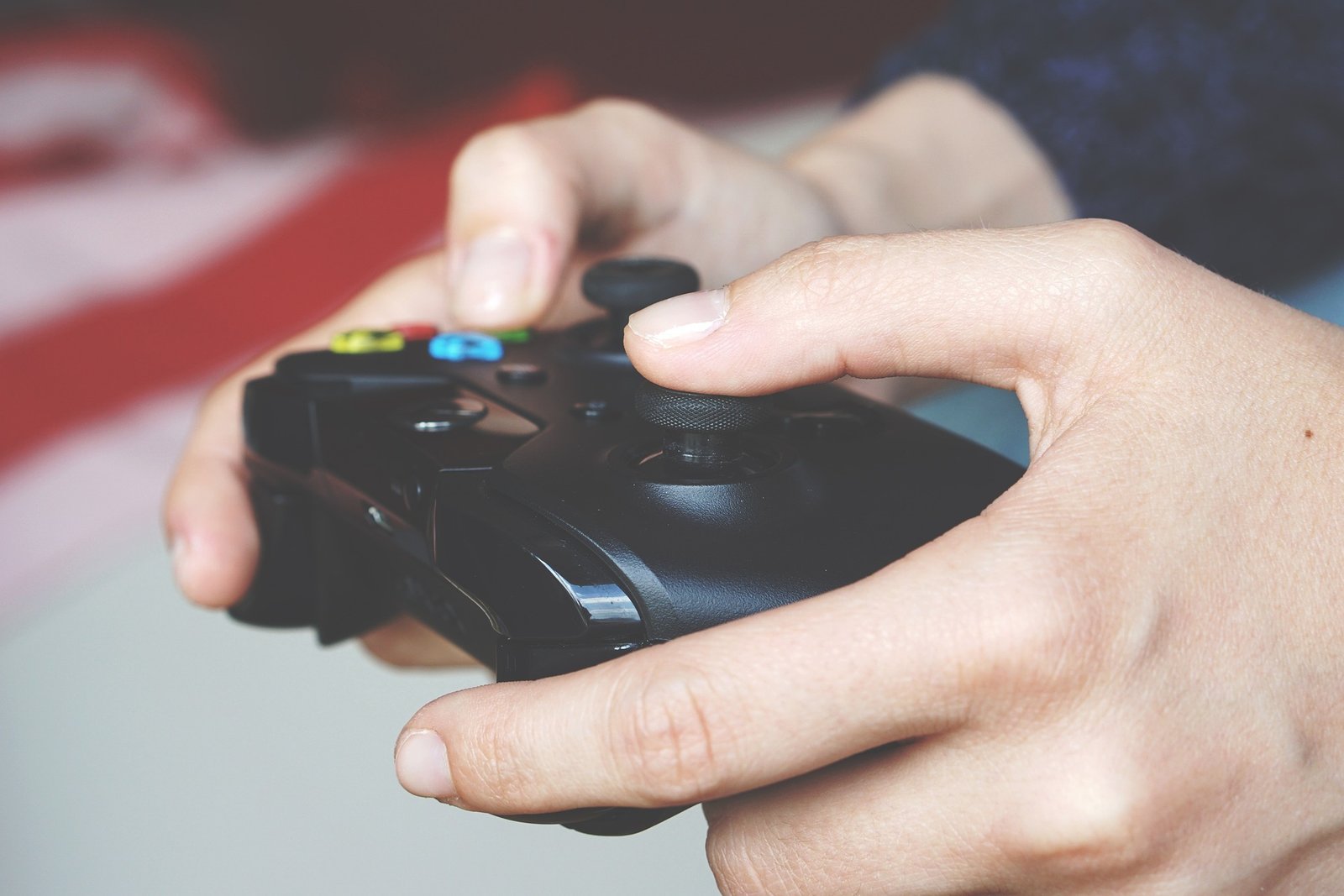
If you are new to Xbox 360 controller mods, begin with the simplest changes first. Cosmetic swaps and basic part replacements are usually safer than deep internal work. That lets you learn the controller’s structure without risking major damage.
A beginner-friendly path looks like this:
- Clean the controller.
- Replace worn grips or sticks.
- Test all buttons and triggers.
- Move to deeper repairs later.
- Only attempt soldering when needed.
This approach keeps the process manageable and reduces mistakes. It also helps you figure out whether you care more about comfort, repair, or appearance.
Tools And Parts You May Need
The right tools make Xbox 360 controller mods easier and safer. You do not need a huge workshop for basic upgrades, but precision helps when the parts are small. A clean work area also matters because tiny screws and springs can disappear quickly.
Typical tools include:
- Precision screwdrivers.
- Plastic opening tools.
- Tweezers.
- Isopropyl alcohol.
- Replacement thumbsticks and membranes.
For more advanced work, you may also want a soldering iron and a multimeter. The better your tools, the less likely you are to damage the shell or internal board.
External Links Worth Checking First
If you want to compare real-world controller parts and support, these resources are especially relevant to Xbox 360 controller mods. They are useful for both repair-minded users and people who want compatibility information before starting a project.
- iFixit Xbox 360 Wireless Controller.
- Microsoft Xbox repair and replacement parts.
- ConsoleMods Wiki: Using Modern Controllers.
Final Take On Controller Modding
Xbox 360 controller mods remain useful because the controller is still comfortable, easy to understand, and worth repairing. Whether your goal is better performance, a cleaner look, or longer hardware life, the best mods are the ones that match how you actually play. If you want related gaming coverage, this internal link fits naturally: Gaming News.
FAQs About Xbox 360 Controller Mods
Are Xbox 360 controller mods still worth it?
Yes, especially if you already own a working controller and want better comfort, repair value, or customization.
Do I need advanced skills to start modding?
No. Basic mods like shell swaps and thumbstick replacements are beginner-friendly.
Which mod gives the biggest improvement?
For most users, thumbstick and grip upgrades provide the most noticeable everyday improvement.
Are these mods useful for PC gaming?
Yes. The Xbox 360 controller is still widely used on PC, so upgrades can improve that experience too.
Should I repair or replace an old controller?
If the controller is mostly functional, repair and modding are usually cheaper and more practical than replacing it.

- How to Add Captions to Short Videos That People Actually Read - October 8, 2026
- 10 Step AI Search Content Optimization Checklist - October 6, 2026
- Competitor Visibility Tracker: How to Monitor Search and AI Visibility - August 22, 2026