
15 Best AI Tools for Research, Matched to Every Step of the Job
Ask which AI is the best for research and you will get a dozen confident answers and no useful guidance. The honest answer is that research is not one job, and no single artificial intelligence research assistant covers all of it. Finding papers, reading them, screening them for a literature review, checking citations, organizing references, and coding interview transcripts are separate tasks with separate best tools.
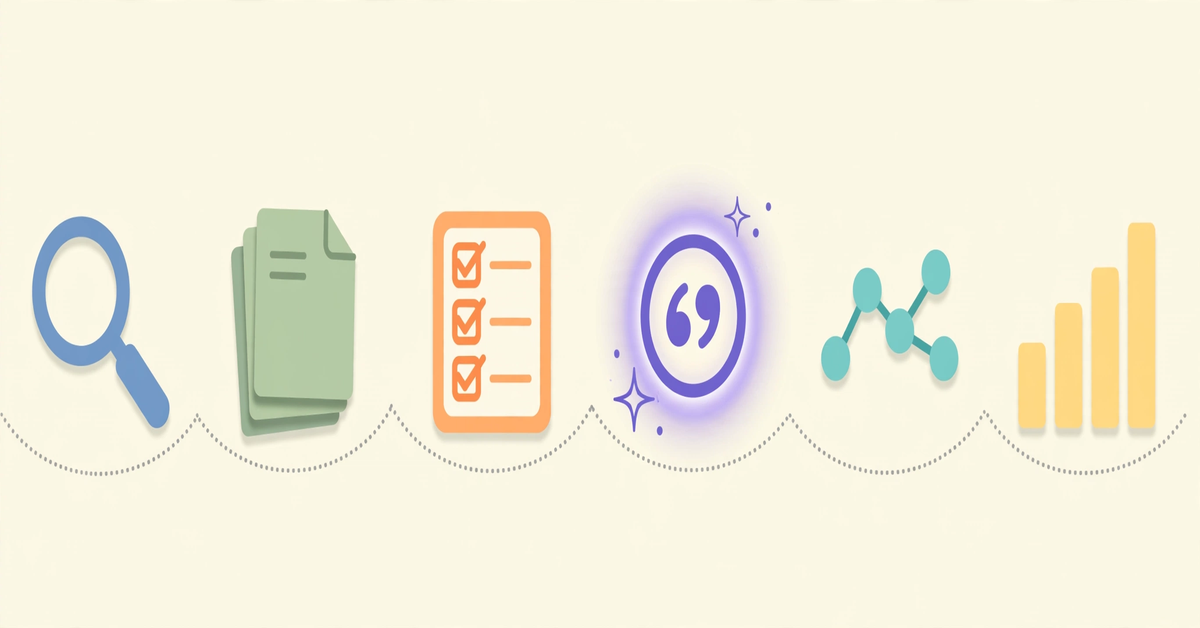
This guide matches the best AI tools for research to each step of the process: search, quick cited answers, screening and extraction, deep reading, field mapping, source verification, and qualitative analysis. Pick the tools that fit the step you are stuck on.
Why General Chatbots Are the Wrong Tool for Research
A general chatbot answers from its training data and can invent citations that look real. Dedicated research tools search a real paper database first, then use AI to summarize what they found, with every claim linked to a source you can open. That is the right way to use generative AI for research: search first, synthesize second. When an answer has to be defensible in a thesis or paper, use a tool wired to real literature.
Step 1: Finding the Literature
Semantic Scholar is a free, AI-driven search engine from Ai2, a nonprofit research institute. It indexes over 200 million academic papers with TLDR summaries, citation data, and research feeds, making it a solid Google Scholar alternative. Google Scholar remains worth using for literature review work for its enormous coverage, citation counts that help judge a paper’s influence, and library integrations showing which papers you can access in full text. For scientists specifically, a scientist search engine like Semantic Scholar or Consensus beats a general web search because both query curated academic corpora.
Step 2: Getting a Cited Answer Quickly
When you need an evidence-backed answer fast rather than a full reading list, two tools stand out for best deep research AI. Perplexity Deep Research performs dozens of searches, reads hundreds of sources, and delivers a comprehensive cited report. Perplexity says it is free for all, with Pro subscribers getting a high volume of queries and non-subscribers getting a limited number per day. Reports export to PDF or a document, which makes it handy for scoping a new topic.
Consensus answers questions directly from peer-reviewed studies: its official documentation says it searches over 200 million academic papers, retrieves the relevant set first, then synthesizes a cited summary. The standout feature is the Consensus Meter, which shows how analyzed studies lean on a yes-or-no question, so you can see whether a claim is settled before opening a PDF. It also offers study filters, a citation generator, and states its AI never invents sources. See their university access guide for how the search works.
Step 3: Screening and Extracting for a Literature Review
A literature review needs systematic screening and structured data extraction, which is where dedicated literature review software earns its place. Elicit is the tool for reviews involving hundreds of candidate papers: its official site states it searches over 138 million academic papers and 545,000 clinical trials with semantic search, and it automates screening and data extraction with sentence-level citations. You get structured tables of methods, samples, and findings instead of manually reading every abstract.
SciSpace approaches reading from the document side: chat with a PDF, ask for explanations of equations and figures, and use its paraphraser and citation generator. It works best when you already have papers and need to understand them quickly. One caution: no AI tool produces a publishable systematic review on its own. They accelerate extraction; the protocol and judgments are yours.
Step 4: Reading and Questioning Papers You Already Have
NotebookLM, Google’s free research assistant, answers questions using only the documents you upload: PDFs, Google Docs, web links, YouTube transcripts, or pasted text. Because it cannot pull in outside material, its answers stay grounded and cite the exact passage they came from, which makes hallucination far less likely than with a general chatbot. Note that Google has been folding NotebookLM into its Gemini ecosystem, so expect branding to evolve.
Mendeley has added an AI layer to the classic reference manager. Per Mendeley’s official blog, its AI features include a Reading Assistant that answers questions grounded in a paper’s text, Compare Experiments for side-by-side comparison of up to ten PDFs, and Ask My Library for questions across your saved documents. AI access depends on the plan, so check plan details before choosing Mendeley mainly for its AI features.
Step 5: Mapping the Field and Its Citation Trails
Keyword search only finds papers that use your keywords. Citation-mapping tools find papers your keywords missed, making them the best Google Scholar alternative for exploring unfamiliar territory. Connected Papers builds a visual graph around any seed paper using co-citation and bibliographic coupling, clustering similar work so you can see a field’s structure; its database is built on the Semantic Scholar corpus. Litmaps uses the citation network to recommend important papers, spot research gaps, send new-publication alerts, and support collaboration. Research Rabbit, which calls itself “Spotify for papers,” turns a few seed papers into an interactive citation map of foundational work, citing papers, and related research. Its core product is free, it syncs with Zotero, and collections can be shared.
Step 6: Checking Sources and Coding Qualitative Data
Scite classifies how each citation uses a paper: supporting, contrasting, or merely mentioning. Its official site reports coverage of over 300 million articles, preprints, books, patents, and datasets, with full-text search beyond abstracts. Before you build an argument on a paper, Scite shows whether later research affirmed or disputed it.
For interviews and open-ended survey responses, qualitative research coding software now ships with AI assistance. NVivo offers AI-driven coding suggestions, pattern-based auto-coding, and sentiment analysis for the first pass of a codebook. ATLAS.ti provides OpenAI-powered AI coding and conversational AI alongside network visualizations. Both assist the analyst rather than replace them: you approve, reject, and refine every suggested code, and both are paid professional tools. For organizing references, Zotero remains the standard free reference manager, and students can compare more options in our guide to the best AI tools for students.
Your Step-by-Step Tool Shortlist
| Research step | Best pick | Why it fits |
|---|---|---|
| Finding papers | Semantic Scholar | Free, 200M+ papers, TLDR summaries |
| Quick cited answers | Perplexity Deep Research / Consensus | Multi-source reports or evidence-weighted answers |
| Review screening | Elicit | Semantic search with structured extraction |
| Reading your papers | NotebookLM | Answers only from your uploaded sources |
| Mapping the field | Connected Papers / Litmaps / Research Rabbit | Citation-network discovery beyond keywords |
| Verifying citations | Scite | Supporting vs contrasting citation labels |
| Managing references | Zotero / Mendeley | Free libraries with citation plugins |
| Qualitative coding | NVivo / ATLAS.ti | AI-assisted coding for interview data |
Questions Researchers Ask About AI Research Tools
Which AI is the best for research?
There is no single best. Perplexity Deep Research and Consensus lead for quick cited answers, Elicit leads for review screening and extraction, NotebookLM leads for questioning your own papers safely, and Scite leads for citation verification. Match the tool to the research step.
Is there a good Google Scholar alternative?
Several. Semantic Scholar is the closest free alternative for AI-powered discovery. Consensus adds evidence-weighted answers, Connected Papers and Research Rabbit add citation-network mapping, and Scite adds citation context checking.
Can an AI tool write my literature review?
Tools like Elicit and SciSpace can screen papers, extract data, and draft structured summaries, cutting the manual workload substantially. They cannot define your protocol, set inclusion criteria, or make the judgments reviewers expect. AI accelerates the review; it does not author it.
Which tools are free?
Semantic Scholar, Connected Papers, NotebookLM, Zotero, and the core of Research Rabbit are free. Perplexity Deep Research offers limited free daily queries. Elicit, Consensus, Scite, SciSpace, Mendeley AI features, NVivo, and ATLAS.ti offer free tiers or trials with paid plans for heavier use; check official pricing pages since tiers change often.
What is the best AI tool for qualitative research coding?
NVivo and ATLAS.ti are the established qualitative data analysis tools, and both now include AI-assisted coding that suggests codes, auto-codes patterns, and surfaces themes for you to validate. They assist analysis rather than replacing the researcher’s judgment.
Assemble a Research Stack That Fits Your Budget
A practical free-first stack covers most of the workflow: Semantic Scholar or Google Scholar for discovery, Perplexity Deep Research for quick cited answers, Research Rabbit or Connected Papers for mapping, NotebookLM for reading your own PDFs, and Zotero for reference management. Add one paid tool only where you feel real friction: Elicit for large reviews, Consensus for evidence questions, Scite for citation verification, or NVivo and ATLAS.ti for qualitative coding. Verify every citation against the original paper before it enters your writing, and treat every AI summary as a starting draft, not a source. For a broader look at how research tools fit a complete AI toolkit, see our roundup of the best AI tools by category.

- AI Watermark Remover: How to Clean Up Your Own Images Without Crossing the Line - November 4, 2026
- 15 Best AI Tools for Research, Matched to Every Step of the Job - November 3, 2026
- Best Free AI Headshot Generator: 5 Tools That Are Actually Free (2026) - November 3, 2026