Top AI-Driven Social Media Video Editing Solutions for Creators
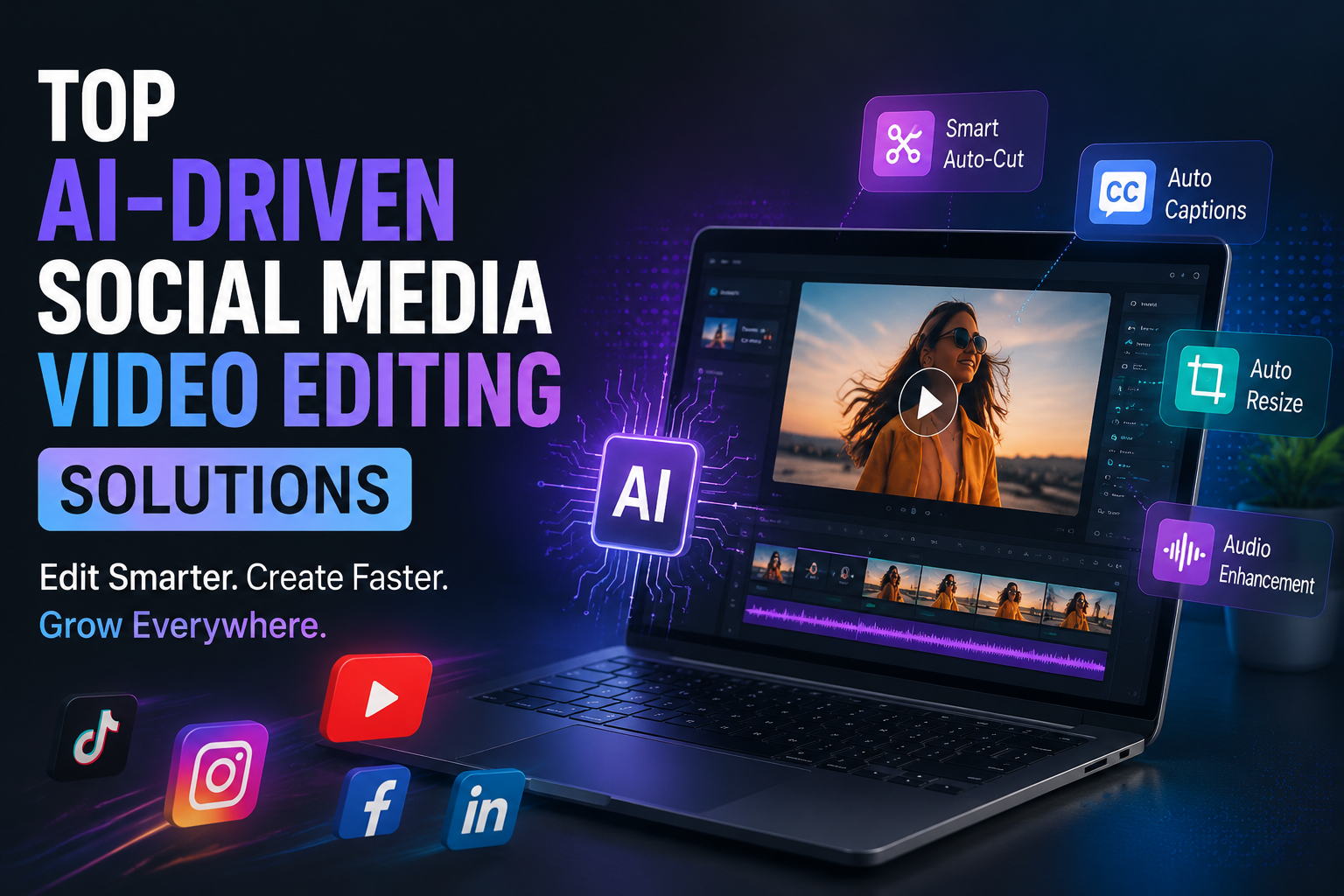
Top AI-Driven Social Media Video Editing Solutions are changing how creators produce content in 2026. With smarter automation, better scene detection, auto captions, and faster repurposing tools, creators can publish more content without spending hours on manual edits. This guide explains what to look for, how these solutions help, and why they matter for social media growth.
Why AI Editing Matters Now
Social platforms reward speed, consistency, and strong engagement. That makes AI-driven editing especially valuable because it reduces repetitive work and helps creators focus on ideas instead of technical cleanup.
These tools now support tasks such as:
- – Auto trimming.
- Caption generation.
- Scene detection.
- Audio cleanup.
- Aspect ratio resizing.
- Clip repurposing for short-form formats.
Core Features To Expect
The best AI video editors do more than just save time. They should help you create polished videos with minimal effort while still giving you enough control to keep your brand style consistent.
Look for features like:
- Smart auto-editing.
- Subtitle generation.
- Background noise reduction.
- Text-to-video support.
- Social aspect ratio presets.
- Clip extraction from long videos.
Best Uses For Social Platforms
Different platforms need different editing styles. A strong AI editor should let you turn one video into multiple versions for Instagram Reels, TikTok, Facebook, YouTube Shorts, and LinkedIn posts without starting over every time.
Common uses include:
- Turning webinars into short clips.
- Making product demos more engaging.
- Adding captions for silent viewing.
- Adapting one video into multiple formats.
- Refreshing older content for new audiences.
How Creators Save Time
AI tools are especially useful when your content calendar is already full. Instead of manually cutting every clip, you can let automation handle the first pass and then polish the final result yourself.
A typical fast workflow looks like this:
- Import your video.
- Let AI detect key scenes.
- Remove pauses or filler automatically.
- -Add captions and formatting.
- – Export platform-specific versions.
Tools Worth Exploring In 2026
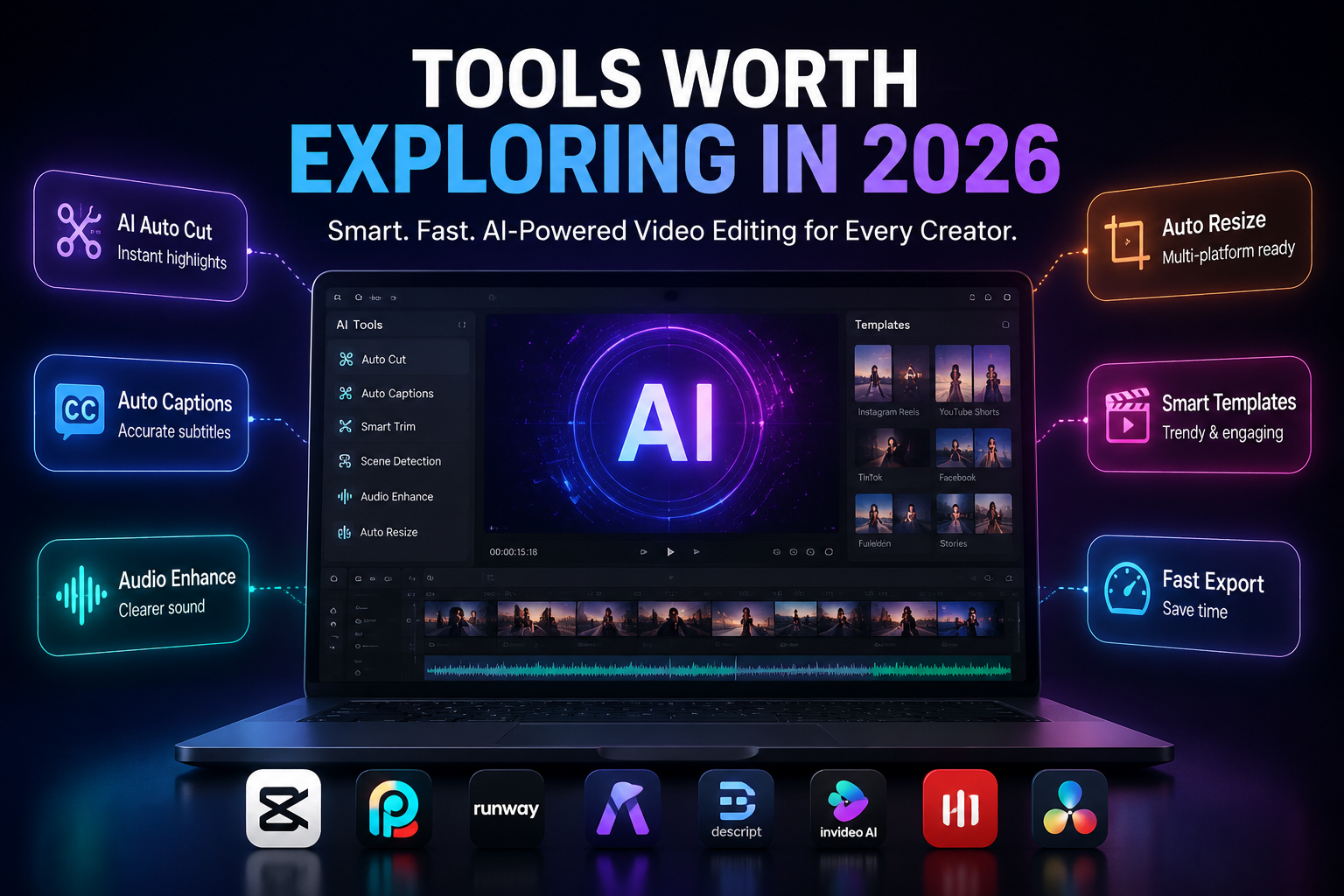
The market is crowded, but a few categories stand out. Some tools are best for beginners, while others are better for marketers who need high-volume output or more advanced editing control.
Examples of widely discussed AI editing options include tools with:
- Template-based social editing.
- AI captioning and clip generation.
- Smart reframing for vertical video.
- Audio enhancement.
- Script-to-video workflows.
For broader AI content resources, you can also explore this internal guide: AI photo apps guide.
When Manual Editing Still Helps
AI can speed up production, but it should not replace human judgment completely. For brand campaigns, storytelling, and polished video ads, a human review still helps with pacing, tone, and visual consistency.
Manual edits are still useful for:
- Brand-specific transitions.
- Emotional storytelling.
- Fine-tuned audio mixing.
- Color correction.
- Stronger creative direction.
Choosing The Right Solution
The best tool for you depends on your goals. A solo creator may want quick captioning and clipping, while an agency may need bulk processing and team collaboration.
Before choosing, check:
- Export quality.
- Caption accuracy.
- Platform format support.
- Ease of use.
- Speed of editing.
- Pricing flexibility.
AI And Short-Form Growth
Short-form content is one of the main reasons AI editing has become so popular. Tools that create faster cuts, stronger hooks, and cleaner captions can make it easier to keep up with high posting demands on TikTok, Reels, and Shorts.
That matters because short-form success often depends on:
- Fast editing.
- Clear message delivery.
- Strong first three seconds.
- Clean visuals.
- Repeatable production workflows.
What Quality Looks Like
A good AI video editor should feel like an assistant, not a replacement. It should reduce repetitive work while still giving you enough editing control to create original, on-brand content.
Quality usually shows up in:
- Accurate cuts.
- Smooth caption timing.
- Clean audio output.
- Reliable resizing.
- Stable export performance.
Smart Workflow Tips
If you want better output, start with good source footage. AI works best when the original video is clear, well lit, and structured enough for the system to detect scenes correctly.
Useful workflow tips include:
- Record in high resolution.
- Keep talking points focused.
- Use captions for silent viewers.
- Create one long video and repurpose it.
- Review every automated cut before publishing.
Helpful AI Video Editing Links
These external links are useful for readers who want to compare tools and trends:
Future Of AI Editing
AI editing is moving toward more personalized automation, better script support, and stronger platform-specific output. In 2026, the most useful tools are the ones that save time without making content look generic.
That means creators should look for tools that help them work faster while still protecting their brand identity and creative style. The future is not just about editing more quickly; it is about editing more intelligently.
FAQs
What is an AI video editor?
It is a tool that uses AI to automate editing tasks like clipping, captioning, scene detection, and resizing for different social platforms.
Are AI editors good for beginners?
Yes, many modern tools are designed to help beginners create polished social videos without needing advanced editing skills.
Can AI replace human editing?
Not completely. AI is excellent for speed and structure, but human review is still important for branding, storytelling, and final polish.

- How to Add Captions to Short Videos That People Actually Read - October 8, 2026
- 10 Step AI Search Content Optimization Checklist - October 6, 2026
- Competitor Visibility Tracker: How to Monitor Search and AI Visibility - August 22, 2026