Free AI Logo Generator: Generate a Logo Free by Use Case
With an ai logo generator free to use, you can create a logo in about fifteen minutes, and that is exactly where the trouble starts. Most free logo tools will happily show you a beautiful design, then charge you at the download button, stamp a watermark across it, or hand you a tiny file that falls apart on a shirt or a sign. The trick is not finding a logo generator. It is finding one that gives you a real, usable file for free, and then shaping the result so it does not look like everyone else’s.
This guide works through that process by use case, because a sports logo, a clothing brand logo, and a school logo do not need the same thing. A team badge needs to read from across a field. A clothing mark needs to survive on a label and a sleeve. A school crest needs to look respectable on a letterhead for years. Start with your use case, pick a genuinely free tool, and judge the result on the file you can actually download, not the preview on screen.
What Free Really Means in a Logo Generator
Free means different things on different sites, and the difference only appears at the last step. Before you invest time in a design, check four things on the tool’s own pricing or help page.
- Download: can you download a finished file without paying, or is the free part only the preview?
- Watermark: does the free download carry a watermark across the design? A free ai logo generator no watermark option is worth more than a prettier tool that stamps its name on your brand.
- File type: do you get a PNG you can use online, and do you also get a vector file (SVG) that scales cleanly for print, signs, and clothing?
- License: can you use the logo commercially, for your business, without paying for a license upgrade?
Several well-known tools fail at least one of these tests. Some let you design for free and charge a one-off fee for the file pack. Others remove the watermark only on a paid plan. The honest free options, including Canva’s free logo maker and a few template-based makers, give you a clean PNG download on the free plan, though vector export and premium elements usually sit behind a paid tier. That trade is fine for a website header or a social profile, and it is a real limitation for large print work, so match the tool to where the logo will actually live.
One more warning before you start: a free download does not settle trademark questions. AI and template tools reuse common icons and shapes, so another business may already use something similar. Check the tool’s license terms, and if the logo will represent a real business long term, run a trademark search before you invest in signs, packaging, or uniforms.
Generate Your Logo in Five Steps
Whatever tool you choose, the same five steps keep the process short and the result usable. This is how you create your own logo free online without ending up with a file you cannot use.
- Write a one-line brief. Name the business, name the audience, and name one feeling the logo should give: bold, friendly, premium, or traditional. A brief like “a friendly football club badge for teenagers” produces better results than “a cool logo”.
- Pick a structure first. Choose between a letter mark (initials only), an icon plus name, or a badge or emblem shape. The structure decides readability more than any color choice.
- Generate a batch, not one idea. Ask the tool for several logo ideas at once, using a logo ideas generator approach: same name, different symbols, layouts, and colors. Comparing a batch shows you what works; polishing a single first attempt usually does not.
- Test it small and in one color. Shrink the logo to profile-photo size and view it in black and white. If it is still recognizable, the structure is strong. If it turns into a blur, simplify the icon and shorten the text.
- Download every file the free plan allows, and save the editable project too. Keep the PNG for online use, the vector file if offered, and a note of the fonts and colors so future designs match.
That small-and-one-color test is the single most useful step in this guide. Most failed logos do not fail because the idea was bad. They fail because the design only works at full size, in full color, on a clean background, which is not how logos are actually used.

Logos by Use Case
Use the section below that matches your project. Each one names the structure that usually works, the mistake to avoid, and a starting point for your brief.
Sports and Athletic Logos
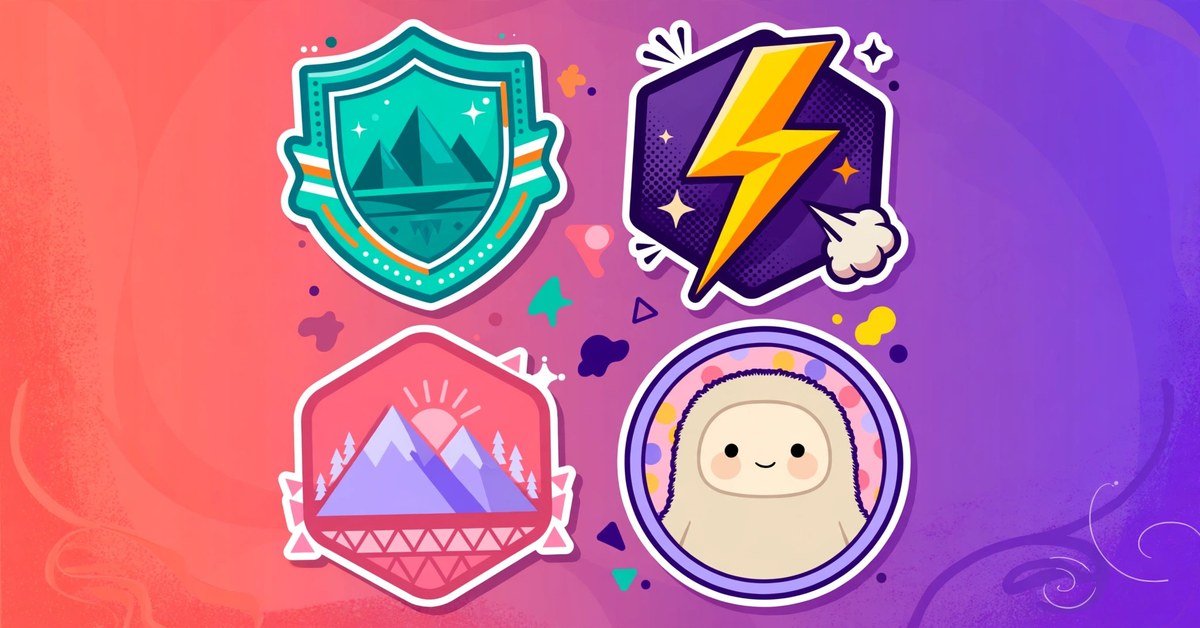
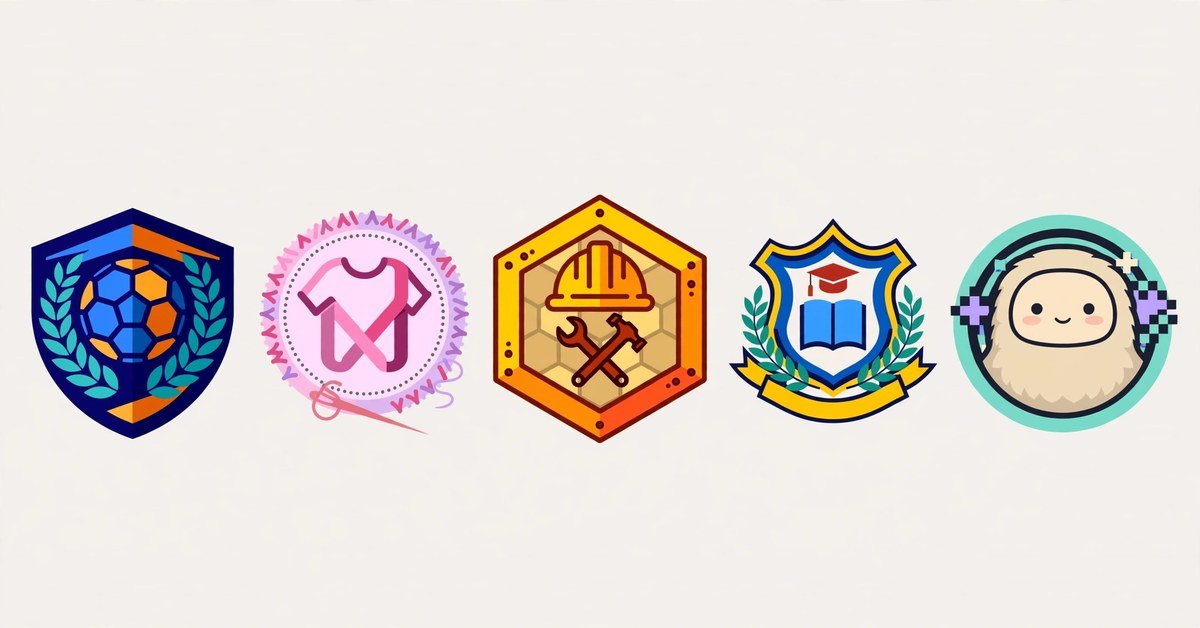
A sports logo maker is built around badges, shields, mascots, and bold lettering, and for good reason: a team mark must read from a distance, on a jersey, and in a small social avatar. An athletic logo maker gives you the same badge shapes with a focus on movement and energy, such as wings, lightning, or an animal mascot. Keep the team name short in the design itself (a city or school name plus a mascot works better than a full sentence), and avoid thin lines and tiny details that vanish when the badge is embroidered or printed small. A logo maker sports search will surface plenty of templates, but start from your team colors and one mascot or symbol rather than copying the first template you like.
Clothing Brand Logos
A clothing brand logo maker has a harder job than most, because the logo must work on a tag, a chest print, and a website header. Simple wordmarks and letter marks age better here than busy illustrations: a clean name in a distinctive font, with one small symbol you can use on its own, is easier to print and easier to remember. Test the design on a dark shirt mockup and a light one, since a logo that only works on white will disappoint you on actual products. If you plan to sell the clothing, check the tool’s commercial license before ordering stock with the logo on it.
Construction Logos
A construction logo creator or logo maker for construction usually leans on the same symbols: helmets, beams, houses, and bold block lettering. Those symbols work because customers recognize them instantly, but they also make many construction logos look alike. Stand out with color and structure instead of a stranger symbol: a strong two-color combination, a clean shield or hexagon shape, and a company name set in a heavy, readable font will look more professional than a crowded scene of tools and buildings. Make sure the design stays legible on a van door and a hard hat, which are the two places it will be seen most.
School Logos
A school logo maker should aim for tradition and clarity: a shield or crest, a book, a torch, or a local landmark, set with the school name in full. Avoid trendy gradients and playful fonts that will look dated within a few years, and keep the crest simple enough to embroider on a uniform and print on a certificate. Schools often need the logo in several versions, so download a full-color version, a one-color version, and a version that works on a dark background if the tool offers them.
Gaming and Creator Logos
An ai gaming logo generator is a good fit for streamers and esports teams, because it can produce mascot and emblem styles quickly from a text description. A yt logo maker serves the same need for a YouTube channel: the mark must read at tiny sizes in a subscription feed, so a bold initial or a single mascot face usually beats a detailed scene. An instagram logo creator has the same constraint, since the profile photo is a small circle. In all three cases, design for the avatar first and the banner second; if the avatar is unclear, viewers will not click through to see the rest.
A letter logo generator is a useful fallback for any of these creator projects. Initials in a strong font, with one color accent, look professional, work at any size, and never depend on a mascot that might look dated next year.
Make It Look Less Generic
The biggest weakness of free AI logos is that they can look generic, because the same icons and templates are offered to everyone. A few small choices fix most of that.
- Limit the palette to two main colors plus a neutral. Three or four bright colors usually make a logo look like a template, not a brand.
- Pick one unusual detail: a custom color combination, a distinctive font pairing, or a symbol tied to your place or story rather than your industry alone.
- Remove one element from every design you like. If the logo still works, it was carrying decoration it did not need.
- Use your own name or initials as the anchor, not a generic slogan. Slogans can change; the name is the brand.
- Keep the spacing generous. Crowded logos look cheap, while a little empty space around the mark makes it look intentional.
For a broader set of free design utilities once your logo is ready, including tools for improving images you plan to use alongside it, see the Techlspro tools page. If your logo artwork comes out blurry or low resolution, our guide on how to upscale an image without losing quality explains what can and cannot be recovered from a small file.
The Best Free Options, Honestly Ranked by What You Get
Rankings of the best free ai logo generators 2026 usually disagree because they rank different things: design quality, free download terms, or the size of the template library. Rank by what you actually receive instead. The best free option for you is the one that gives you a clean, commercial-use file in the format you need, with an editor you can use without design training.
Canva’s free logo maker is the safest starting point for most people: thousands of templates, a familiar editor, free PNG downloads without a watermark on the free plan (premium elements excluded), and matching templates for social posts and business cards in the same account. Its limits are real, though: no free vector export, and its free icons are widely reused, so your logo may resemble others. Template-based free makers that offer vector downloads solve the print problem but usually have smaller libraries and simpler editors. Try two tools with the same brief, compare the actual downloaded files, and keep the one whose file you would happily put on your website today. You can start with Canva’s free PNG logo maker and judge it on the download, not the preview.
Logo Questions Before You Download
Is there really a free AI logo generator with no watermark?
Yes, several. Canva’s free plan exports PNG logos without a watermark as long as the design uses no premium elements, and some template-based makers also offer clean free downloads. Always confirm on the tool’s own site before you start, because free terms change, and always check the downloaded file itself rather than trusting the preview.
Can I use a free AI logo for my business?
Usually yes for personal and small business use, but the license varies by tool. Some free downloads carry a non-exclusive license, meaning others may use a similar design, and some restrict commercial use on free plans. Read the license page for the tool you choose, especially before printing the logo on products for sale.
Do I need a vector file, or is a PNG enough?
A PNG is enough for a website, social profiles, and documents. A vector file (SVG) matters for large print, signs, embroidery, and clothing, because it scales without going blurry. If you only get a PNG, keep the largest size the tool offers and avoid enlarging it far beyond that.
Why does my AI logo look like other logos?
Because free tools draw from shared icon libraries and common templates. Reduce the similarity by choosing a less common color combination, simplifying the icon, and anchoring the design on your own name or initials rather than a generic industry symbol.
Should I hire a designer instead?
For a hobby project, a channel, or a new side business, a free AI logo is a sensible start. For a business that will invest in packaging, signage, or a trademark, a designer is worth the cost: you get an original mark, full file formats, and a design that no one else is using. Many businesses start free and upgrade once the brand earns its first revenue.
Your Logo Is Ready When It Passes These Checks
Before you call the logo finished, run it through five quick checks: it reads at profile-photo size, it works in one color, the downloaded file has no watermark, the license covers your intended use, and you have saved both the file and the editable project. If all five pass, you have a logo you can use with confidence, even though it cost nothing. If any check fails, fix that one thing before publishing the logo anywhere, because a watermark, a blurry file, or a license problem is much harder to undo after the logo appears on products, uniforms, or a channel banner. Start with your use case, generate a batch, test small, and keep the design simple. That is how a free logo stops looking free.

- ChatGPT Projects Explained: Organise Your Chats, Files, and Instructions in One Workspace - November 17, 2026
- Best AI Homework Helper: How Students (and Parents) Can Pick One That Teaches, Not Just Answers - November 17, 2026
- AI Image Extender: How to Expand Any Photo Beyond Its Borders - November 8, 2026