Cancel ChatGPT Subscription: How to Cancel ChatGPT Plus in 2026
Cancel ChatGPT subscription is straightforward once you know exactly where to look. The process catches many users off guard because OpenAI’s billing runs across three separate platforms depending on how you originally subscribed. The cancel button that should appear on OpenAI’s website simply won’t show if your subscription originated through Apple or Google Play, which is the most common source of cancellation frustration in 2026. This guide explains how to cancel ChatGPT Plus through every available method so you can stop billing without unexpected charges.
The Most Important Thing to Know Before You Cancel
OpenAI’s billing in 2026 is split across three platforms OpenAI’s own Stripe portal, Apple App Store, and Google Play. Attempting to cancel in the wrong place leaves your subscription active and billing continues. The fastest way to identify your billing platform is to search your email for the payment receipt the sender immediately tells you whether OpenAI, Apple, or Google is charging you. Match your cancellation method to that platform and the process takes under two minutes.
- Subscribed on chatgpt.com or openai.com: cancel through OpenAI’s Stripe billing portal
- Subscribed on iPhone or iPad: cancel through Apple Settings not through ChatGPT or OpenAI’s website
- Subscribed on Android: cancel through Google Play Store subscriptions not through the ChatGPT app
- Cancellation stops auto-renewal but access continues until the end of the current billing cycle
How to Cancel ChatGPT Subscription on Desktop
Log into your account at chatgpt.com, click your profile icon in the bottom left corner, then select Settings and Account. Click Manage My Subscription this opens a Stripe billing portal in a new tab. Inside the Stripe portal, click Cancel Plan. The cancel button appears as a small grey link near the bottom of the portal page rather than a prominent button, so scroll down if you don’t see it immediately. Decline any retention offer free month, discount, or pause if you want a clean cancellation, then confirm. A cancellation confirmation email from OpenAI follows automatically confirming your subscription will not renew.
- Step 1: Log into chatgpt.com and click your profile icon in the bottom left sidebar
- Step 2: Select Settings then Account from the menu
- Step 3: Click Manage My Subscription allow the Stripe portal popup if your browser blocks it
- Step 4: Scroll down, click Cancel Plan, decline retention offers, and confirm cancellation
How to Cancel ChatGPT Subscription on iPhone and iPad
iOS App Store subscriptions must be cancelled through Apple attempting to cancel through ChatGPT or OpenAI’s website will not work and leaves billing active. Open the Settings app, tap your Apple ID name at the top, select Subscriptions, find ChatGPT Plus in your active subscriptions list, and tap Cancel Subscription. Cancellation confirmation appears on screen immediately and a receipt is sent to your Apple ID email. Access continues until the end of the paid period.
How to Cancel ChatGPT Subscription on Android
Android Google Play subscriptions follow the same logic as iOS cancel through Google Play, not through the ChatGPT app. Open the Google Play Store, tap your profile icon in the top right, select Payments and Subscriptions, then Subscriptions, find ChatGPT in the list, and tap Cancel Subscription. If you don’t see ChatGPT listed, your subscription originated through OpenAI’s website and the desktop cancellation method applies instead.
What If the Cancel Button Is Missing
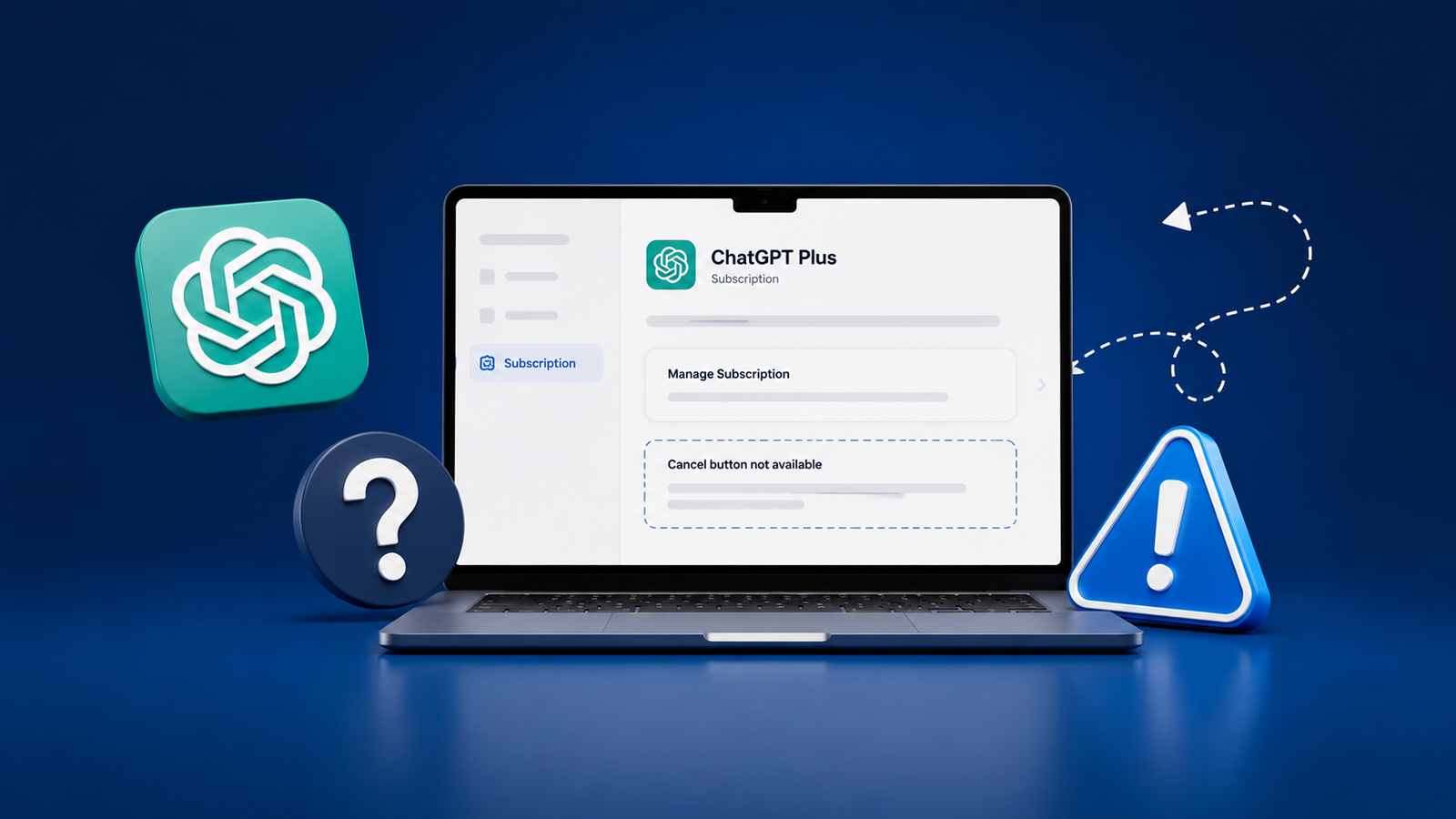
The Cancel Plan button only appears in OpenAI’s Stripe portal for subscriptions billed directly by OpenAI. If you see Manage Subscription redirecting you back to Apple or Google rather than showing a Cancel button, this confirms your subscription originated through those platforms follow the iOS or Android steps above. According to the OpenAI Help Center ChatGPT support documentation, contacting OpenAI support directly through help.openai.com resolves the majority of cases where the standard cancellation path is unavailable. Provide your account email, the last four digits of your payment card, and the date of the last charge and OpenAI support can cancel on your behalf through the chat widget.
Refund Policy After Cancellation
OpenAI does not automatically issue refunds for unused days in a billing period cancellation stops future billing but the current period runs its course. Refund requests for accidental renewals or billing errors submitted promptly are frequently approved case by case. Submit through help.openai.com under the Billing category. For App Store purchases, use Apple’s reportaproblem.apple.com. For Google Play purchases, use the Play Store refund workflow. Approved refunds process in three to ten business days. EU, UK, and Turkey residents have statutory 14-day refund rights that apply regardless of OpenAI’s standard policy.
- OpenAI refund requests: submit through help.openai.com under Billing category
- Apple App Store refunds: submit through reportaproblem.apple.com for iOS purchases
- Google Play refunds: submit through Google Play Store account subscriptions page
- EU, UK, and Turkey residents: 14-day statutory refund right applies automatically
What Happens to Your Account After Cancellation
Cancelling ChatGPT Plus downgrades your account to the free tier it does not delete your account or data. Conversation history, custom instructions, and any GPTs you have created remain fully accessible after downgrading. The features removed at the end of the billing period include GPT-4o priority access, higher message limits, DALL-E image generation, Advanced Data Analysis, and unrestricted browsing. The free tier remains functional indefinitely with no expiration.
Before You Cancel: Worth Considering
If cost rather than dissatisfaction is driving cancellation, check whether a billing pause option is available in your subscription management page before committing to full cancellation OpenAI offers pause in some regions. For users who primarily use ChatGPT for SEO tracking and rank monitoring rather than general AI assistance, this free ChatGPT rank tracker tool guide covers no-cost alternatives that cover those specific workflows without any subscription required.
Final Analysis
Cancelling ChatGPT Plus in 2026 takes under two minutes once the billing platform is correctly identified. The process fails almost exclusively when users attempt to cancel through the wrong platform OpenAI’s website when the subscription originated through Apple or Google, or vice versa. Search your payment receipt, match the cancellation method to the billing source, and access continues through the end of the current paid period with no data lost after downgrading to the free tier.
Frequently Asked Questions
1. Does cancelling ChatGPT Plus delete my conversation history?
No. Cancellation downgrades your account to the free tier conversation history, custom GPTs, and account settings remain fully intact. The only change is losing access to paid features at the end of the current billing period. You can reactivate Plus at any time and resume where you left off.
2. Will I be charged again after cancelling?
No, provided cancellation is confirmed before your next billing date. The confirmation email from OpenAI or the relevant app store confirms auto-renewal has stopped. If a charge appears after confirmed cancellation, contact OpenAI support through help.openai.com with your cancellation confirmation as evidence for a prompt refund review.
3. Can I cancel ChatGPT Plus and get a refund for the current month?
OpenAI’s standard policy provides no automatic partial refunds the subscription runs through the paid period after cancellation. However, refund requests for accidental charges and immediate cancellations are reviewed case by case and frequently approved. EU, UK, and Turkey residents have a 14-day statutory refund right that applies regardless of OpenAI’s standard terms.
4. How do I reactivate ChatGPT Plus after cancelling?
Log into your account, navigate to Settings and Account, and select Upgrade to Plus. Reactivation is immediate with no waiting period or reapplication process. Your previous conversation history and settings are preserved regardless of how long the account remained on the free tier between cancellation and reactivation.

- How to Add Captions to Short Videos That People Actually Read - October 8, 2026
- 10 Step AI Search Content Optimization Checklist - October 6, 2026
- Competitor Visibility Tracker: How to Monitor Search and AI Visibility - August 22, 2026