How Instagram Password Reset Emails Safeguard Your Account
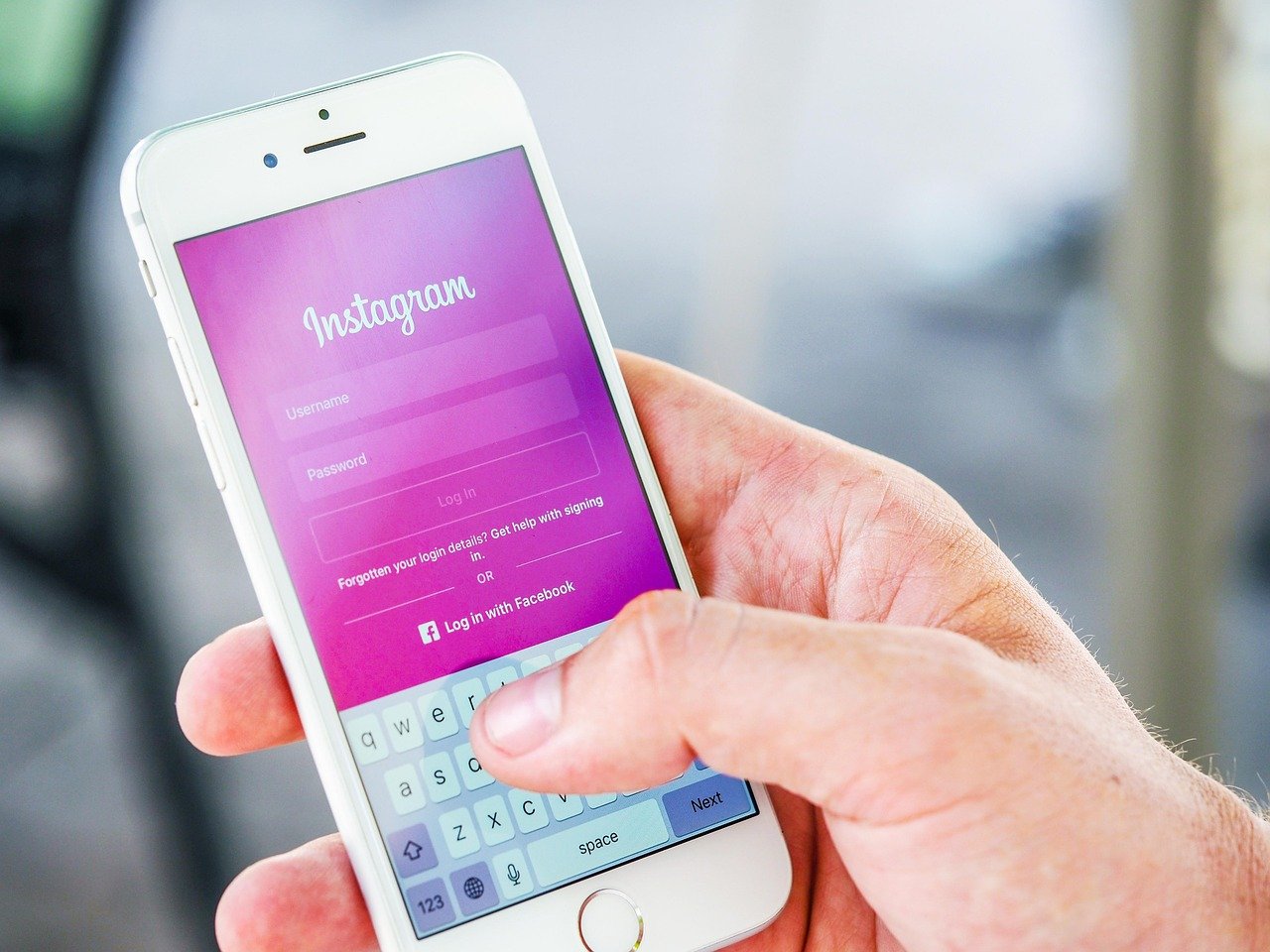
Instagram password reset emails alert you to potential password change requests on your account. These notifications appear when someone submits your username, email, or phone number through the recovery process on the login screen. Users frequently encounter them without prior action, leading to understandable questions about their validity and handling.
Defining Instagram Password Reset Emails
Instagram password reset emails provide a secure, temporary link or code to update your password. Meta activates this feature via the official reset flow, ensuring verification before any changes take effect.
Links expire swiftly often within hours to minimize risks, reflecting Instagram’s commitment to robust security in 2026. The email includes your account details and clear instructions, emphasizing that inaction preserves your current password.
This process stands as a standard recovery method, requiring active confirmation from the account owner.
ALT text: Instagram password reset emails secure verification flow
Reasons for Receiving Unsolicited Emails
Others may enter your contact information during their own recovery attempts, triggering these reset notifications to your inbox. Publicly visible usernames or emails in profiles make such overlaps routine.
Automated systems occasionally test credentials in bulk, but Instagram’s protections prevent completion without owner input. A resolved 2026 glitch temporarily amplified these notifications, though accounts remained secure throughout.
Shared devices with auto fill enabled can also initiate requests unintentionally reviewing activity logs clarifies origins every time.
Legitimate Emails vs Phishing Attempts
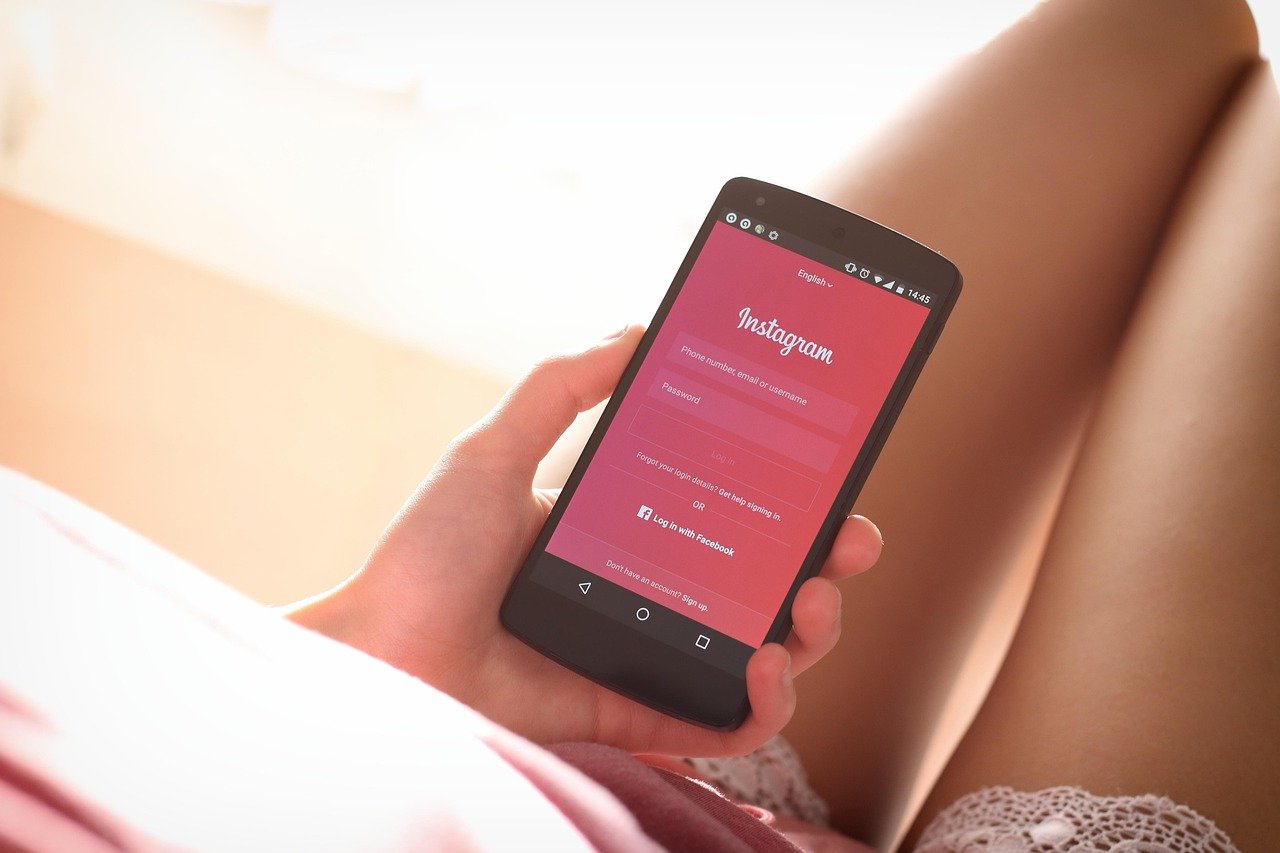 Authentic Instagram password reset emails feature precise Meta branding, direct links to instagram.com, and no requests for your existing password or sensitive data. They maintain a calm tone, noting that ignoring the message blocks changes.
Phishing imitations create urgency, use sloppy formatting, or direct to unfamiliar domains always hover over links to inspect destinations safely. Legitimate versions appear in your app’s email history under security settings for easy cross-verification.
- Check the “Emails from Instagram” section in Settings > Security to match recent official sends.
- Look for consistent blue branding and exact instagram.com URLs in links.
- Note the absence of attachments or extra data requests in genuine messages.
Major outlets like Forbes confirm these distinctions, urging direct app access over email reliance for checks.
Safe Actionable Steps for Response
Open the Instagram app or visit instagram.com directly, avoiding all email links initially. Navigate to Settings > Accounts Center > Password and Security to inspect recent logins, devices, and sent emails.
If the request matches your action, input the code from a trusted device and craft a strong password at least 12 characters with uppercase, lowercase, numbers, and symbols. For unfamiliar ones, select This wasn’t me if prompted, then initiate your own reset within the app.
Report suspicious patterns through built-in support options. Enable real-time login alerts to monitor future activity proactively. Clear caches on shared browsers post-check for added caution.
- Log in via app first to view Recent Emails and confirm the notification.
- Change passwords only through Settings > Accounts Center, not email clicks.
- Forward suspect messages via Instagram’s reporting tools for review.
Security Best Practices with 2026 Meta Features
Access the Accounts Center to unify password management across Meta apps update credentials effortlessly without redundant resets. Opt for app-based two-factor authentication (2 FA) over SMS, as Meta now recommends for superior protection against porting attacks.
Audit authorized apps regularly and revoke outdated connections, a step highlighted in recent security advisories. Activate notifications for new logins and password reset attempts directly in settings.
Maintain the latest app version for automatic patches, conceal contact details in bios, and employ device biometrics for logins. These layered measures align with Instagram’s evolved defenses.
External Links:
- Instagram Help Center: Recover Your Password
- Meta Safety Center: Account Protection
- Essential Social Privacy Strategies
- Advanced 2 FA Implementation
FAQs
What causes an Instagram password reset email to arrive?
Someone submits your account details in the recovery form. Changes require your confirmation to proceed.
How do I verify a reset email’s legitimacy?
Match it against your app’s recent emails log in security settings. Ensure links target instagram.com only.
Why do multiple emails appear suddenly?
Bulk submissions from lists or errors trigger them, but accounts stay protected without action.
Can I recover without email access?
Use linked phone numbers for SMS or video selfie verification via Accounts Center tools.
Is ignoring the email safe?
Yes, your password remains unchanged. Prioritize 2 FA and activity reviews instead.
What marks a link as expired?
Failure to load or error messages indicate this; generate a fresh one through the app.
Conclusion
Instagram password reset emails serve as effective early warnings, ensuring no alterations occur without your input. By verifying activity through official app channels, using the Accounts Center for unified controls, and adopting app-based 2FA, users can maintain long-term account strength. Alongside security awareness, understanding everyday Instagram features such as how to add multiple photos to Instagram story helps users stay confident, informed, and in full control of their profiles. These straightforward practices foster reliable security and peace of mind.

- How to Add Captions to Short Videos That People Actually Read - October 8, 2026
- 10 Step AI Search Content Optimization Checklist - October 6, 2026
- Competitor Visibility Tracker: How to Monitor Search and AI Visibility - August 22, 2026