Best Free AI Headshot Generator: 5 Tools That Are Actually Free (2026)
Most tools that call themselves the best free AI headshot generator either watermark your download, stop after one image, or ask for a card before showing you anything. This guide compares five options with genuinely usable free tiers, states their limits honestly, and helps you pick one for your actual goal, whether that is a new LinkedIn photo or a set of professional headshots.
Free AI Headshots: Read the Fine Print First
Before uploading your face anywhere, know what “free” usually buys. GPU time costs real money, so every free tier is a funnel toward a paid plan. Common limits include watermarks on free downloads, daily generation caps, lower resolution, and locked styles. Free tools also work from a single uploaded photo rather than a model trained on your face, so likeness can drift between generations. Treat each result like a candidate: zoom in on eyes, teeth, and glasses before it goes on a profile. A section below covers how to take a professional headshot at home that gives the AI something solid to build on.
5 Best Free AI Headshot Generators Worth Your Time
These five were chosen because each one lets you create at least one usable headshot without paying first. Allowances shift constantly, so claims are hedged with “as of October 2026” where I could not re-verify them live.
1. Gemini with Nano Banana 2
Google’s Gemini app includes Nano Banana 2 as its default image engine on the free tier, and image generation is listed on every plan, including no plan at all. Open the app with any Google account, choose Create Images, upload a clear selfie, and describe the headshot you want: a neutral background, soft studio light, a blazer. Free usage is metered by compute rather than a published image count. Downloads come at 1K resolution and may carry a small sparkle watermark depending on settings. Because you describe edits to your actual photo, results tend to stay closer to your face than fully generative tools.
2. PixelPanda
PixelPanda runs one of the most honest free tiers in the category: as of October 2026 it is advertised as three free headshots a day, no signup, no watermark. Upload a selfie, pick professional attire and a background, and generation finishes in about two minutes. With no account, you get three tries and a fresh start tomorrow, ideal for testing which style suits your industry. Its FAQ states uploaded photos are used only to generate your headshots, never shared, and never used to train AI models, as you can read in PixelPanda’s own headshot FAQ. That explicit policy is exactly what you want before trusting a free tool with your face.
3. Supawork AI
Supawork’s headshot generator is positioned as 100% free with no signup on the dedicated flow. Browse 30+ preset styles, upload one well-lit selfie, and download results in seconds. The headshot flow sits inside a wider AI career workspace, so it is simpler and less configurable than dedicated headshot apps. Supawork says uploads are encrypted and users can delete gallery images, so remove your photos after downloading. For job seekers needing a quick LinkedIn refresh, this is the fastest door in the building.
4. Magic Hour AI headshot generator
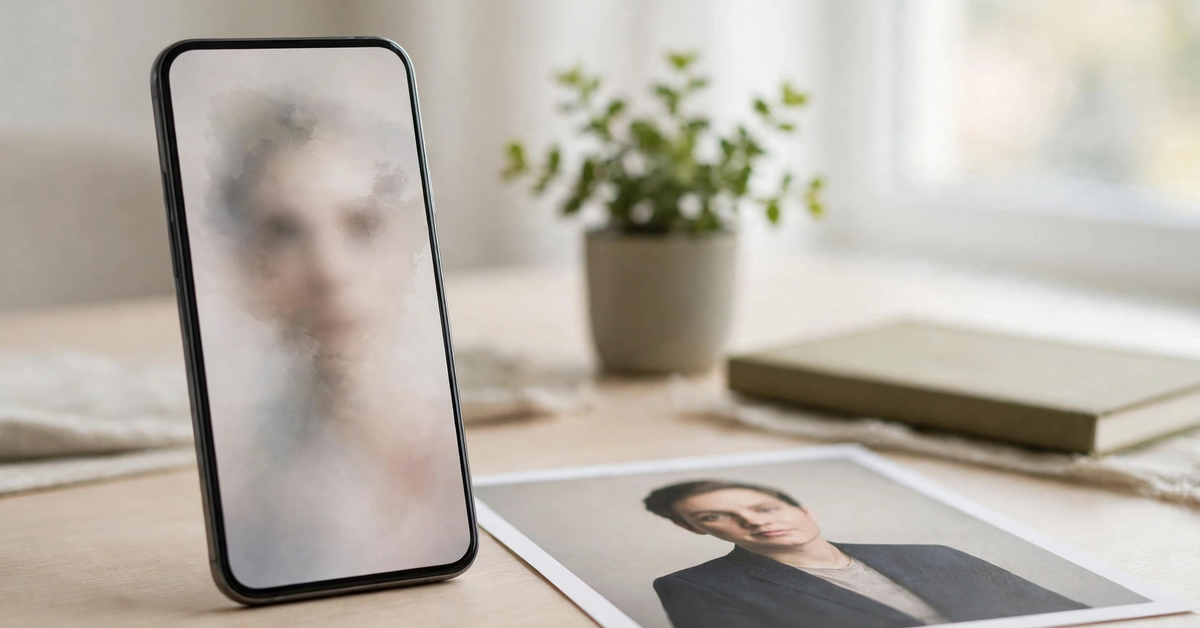
The magic hour ai headshot generator is the speed option: one photo in, a headshot out in seconds, with a free entry point that asks for no card. The details are murky, because reports conflict. One current directory lists up to three free headshots per day with no signup and no watermark; an independent review of free tiers describes it as roughly one shot, watermarked, before a credits system kicks in. Magic Hour’s own pricing page lists Creator at $19/month, Pro at $39/month, and Business at $99/month as of October 2026. Read the live widget’s remaining-allowance counter before you upload, and do not assume a free attempt covers commercial use.
5. insMind AI headshot generator
The insmind ai headshot generator is part of a broader free AI photo editing suite, handy if you also want background cleanup afterward. The free tier gives a credit allowance to test the tools, but free exports carry a watermark, so this is more trial than finished product. Current listings put Pro around $9.99 per month or roughly $69.99 per year. Try the free tier to judge the style on your face, and only upgrade if it beats the fully free options above.
How to Get a Headshot That Actually Looks Like You
Every tool above lives or dies on the selfie you feed it. A good input photo is the difference between a likeness that reads as “you on a good day” and one that looks like a cousin. You do not need a studio for this; how to take a headshot at home is a fifteen-minute job with a window and a phone.
Mastering how to take professional headshots at home is mostly about light and distance. Shoot in soft natural daylight, a couple of meters from a bright window, camera at eye level, face filling most of the frame. Skip heavy filters, sunglasses, and extreme angles; a neutral expression with relaxed shoulders gives the AI the cleanest material. Wear something close to your target look already, because wardrobe changes are where likeness starts to drift.
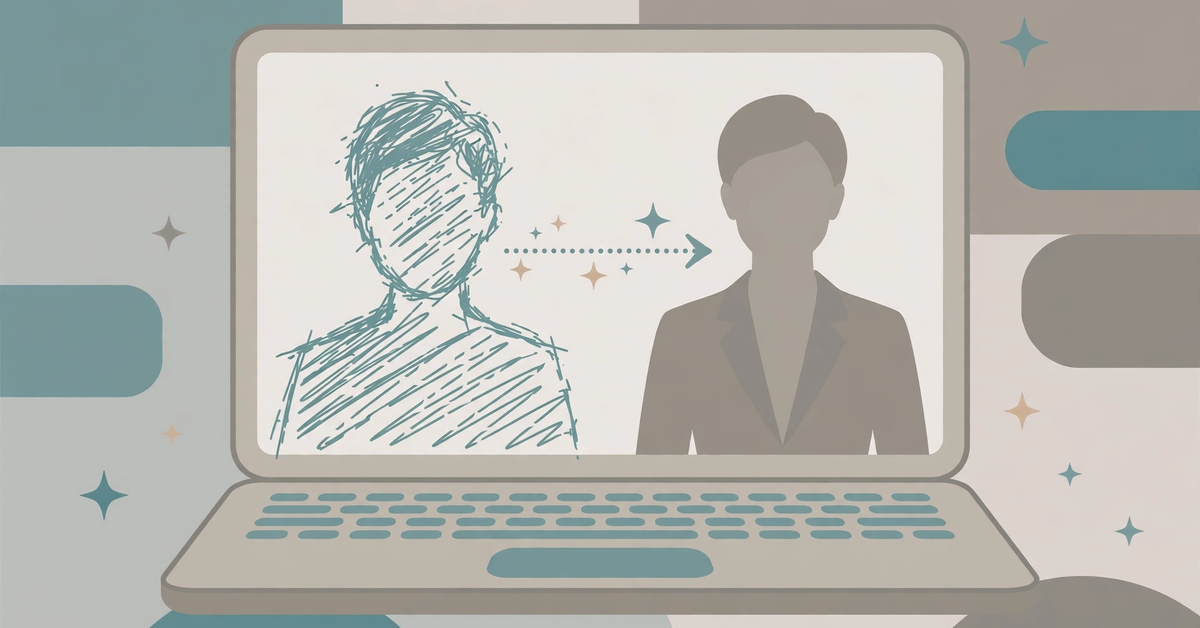
When you write the prompt, be specific but restrained. Short bullet briefs beat paragraphs:
- neutral gray studio background, soft key light, sharp focus on eyes
- navy blazer over white shirt, business casual, LinkedIn headshots style
- keep my exact face, hairstyle, and glasses unchanged
- natural skin texture, no plastic smoothing, no beauty filter look
One practical note on headshot size. LinkedIn recommends a minimum of 400×400 pixels for profile photos, and every output in this roundup clears that bar easily. For resumes or company directories, export at the highest resolution the free tier allows and crop square, head and shoulders, with a little breathing room above the head.
Consent and Privacy: The Non-Negotiable Rules
Use only photos you own or have clear permission to use. Generating headshots of someone else without their consent is an impersonation risk and violates the terms of most of these tools; Magic Hour’s own developer FAQ states you must have rights to the source photo. Check each tool’s stated data policy before uploading: PixelPanda says it does not use uploads to train models, while some tools say nothing at all, and silence should make you cautious. Delete your uploads and gallery copies after downloading, and never present a headshot that does not genuinely look like you.
Matching the Tool to Your Goal
If you need one polished LinkedIn photo today, start with Gemini for identity preservation or PixelPanda for zero-signup simplicity, then compare and keep the winner. For professional headshots for men in suits and blazers, PixelPanda’s attire presets and Supawork’s corporate styles make selection easy.
After you have a result you like, a light polish pass helps: subtle exposure or background cleanup in a free AI image editor, and our guide to the best AI photo editor tools covers deeper edits. One caution: do not over-retouch. A headshot that reads as authentic serves your career better than a flawless one that reads as fiction.
Headshot Generator Questions Readers Keep Asking
Is there a truly free professional headshot generator with no watermark?
Yes, with limits. PixelPanda is advertised as three free headshots a day with no watermark and no signup, and Supawork’s headshot flow is free without an account. Gemini’s free downloads are at 1K but may carry a small sparkle mark depending on settings.
Can I use a free AI headshot on LinkedIn?
Yes, as long as the image accurately represents you. A headshot that looks like you on a good day is fine.
Which free AI headshot generator is best for job applications?
Pick the tool with the most conservative corporate styles: Supawork’s presets, PixelPanda’s blazer looks, or a well-prompted Gemini edit.
Why do my AI headshots not look like me?
Usually the input photo is the problem: dark lighting, heavy filters, sunglasses, or a tilted angle. Reshoot in daylight, face the camera directly, and add “keep my exact face unchanged” to your prompt.
Are free AI headshot generators safe for my photos?
It varies. Some tools publish clear deletion and no-training policies, while others say nothing. Upload only photos you own and remove gallery copies after downloading.
Your Move: Try Two Tools Before You Settle
No single free AI headshot generator suits everyone, because the result depends as much on your selfie and your prompt as on the tool. The winning strategy is simple: pick two from this list with the clearest free terms, feed them the same well-lit photo, and judge the results side by side at full size. Keep the one that looks like you and delete your uploads from the other. If you later need dozens of consistent team photos, that is when a paid trained-face service earns its price.

- AI Watermark Remover: How to Clean Up Your Own Images Without Crossing the Line - November 4, 2026
- 15 Best AI Tools for Research, Matched to Every Step of the Job - November 3, 2026
- Best Free AI Headshot Generator: 5 Tools That Are Actually Free (2026) - November 3, 2026