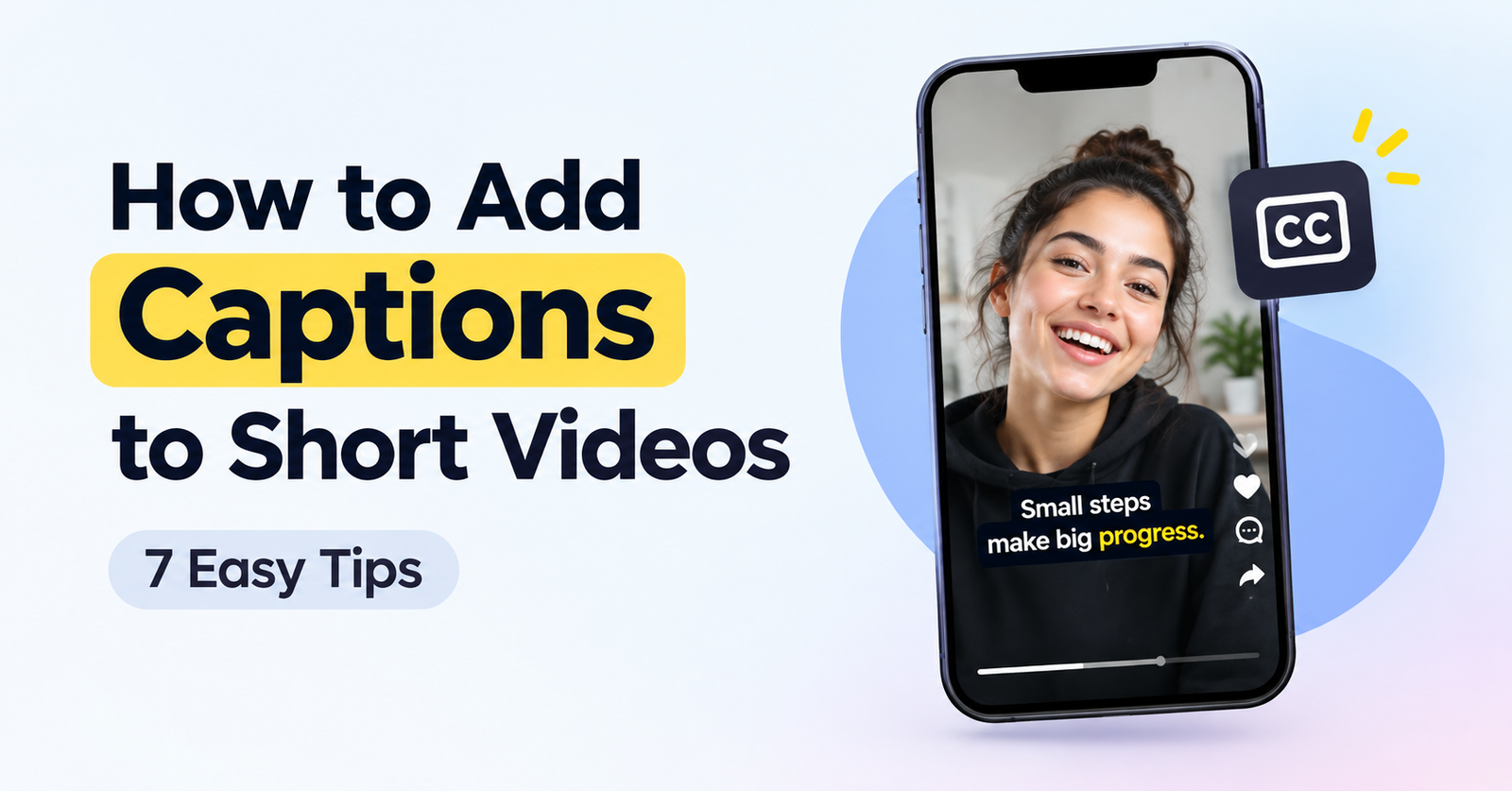
How to Add Captions to Short Videos That People Actually Read
How to add captions to short videos effectively starts with making them easy to read. Many people watch short videos with the sound off. They are on a bus, in bed next to someone sleeping, or half-watching while they do something else. For the first few seconds, the captions are the video. If they are hard to read, the viewer never hears what you had to say, because they have already scrolled past.
The good news is that readable captions are not about fancy effects. They come down to a handful of decisions you can make on any editor, free or paid. Here is how to make them.
Start with a transcript you have actually read
Automatic captions are a starting point, not a finished job. Speech recognition is very good now, but it still trips over the things that matter most in your video: names, product names, numbers and the words that are specific to your field. A caption that says “sauce code” when you said “source code” does more damage than no caption at all, because it makes the whole video look careless.
Read the transcript once before you style anything. It takes a minute for a short video. Fix the names, check every number, and make sure the first sentence is exactly right, because that is the one most people will read.
Break lines where you pause, not where the box ends
The most common caption mistake is letting the software split lines wherever the text happens to run out of space. You end up with a line that reads “the reason most people” and a second line that reads “fail is simple.” The viewer has to hold the first half in mind and then look for the rest.
Instead, break lines where a speaker would naturally take a breath. Keep phrases together: the verb with its object, the adjective with its noun, the number with its unit. On a vertical video, one or two short lines on screen at a time is plenty. A line of three to six words is easy to take in at a glance; a line of twelve words is a paragraph.
Give each caption enough time on screen
Captions that flash by are worse than no captions, because they make the viewer feel slow. A simple test works better than any rule: play the video and try to read each caption out loud before it disappears. If you cannot, the caption is too long for the time it gets. Either shorten the text or let it stay on screen a little longer.
Fast talkers have the hardest time here. If you speak quickly, cut filler words from the captions (“so”, “basically”, “you know”) rather than squeezing every syllable onto the screen. The captions are there to carry the meaning, not to prove you transcribed everything.
Make them big, high-contrast and placed with care
On a phone, text that looked fine on your laptop becomes tiny. Pick a size that is easy to read at arm’s length, and test it on a real phone, not in the editor’s preview.
Contrast matters more than font. White text with a dark outline or a soft dark box behind it stays readable over almost any background, including a bright window or a white wall. Colored text on a busy background is where captions go to die.
Position is the detail most people miss. TikTok, Instagram Reels and YouTube Shorts all put their own interface on top of your video: the caption and username at the bottom, and a column of buttons on the right. Captions placed at the very bottom of the frame end up hidden behind the app’s text. A safer spot is the middle of the lower half, clear of the right edge. Using the right AI tools for task automation can also make parts of your video workflow easier to manage.
Highlight one word, not every word
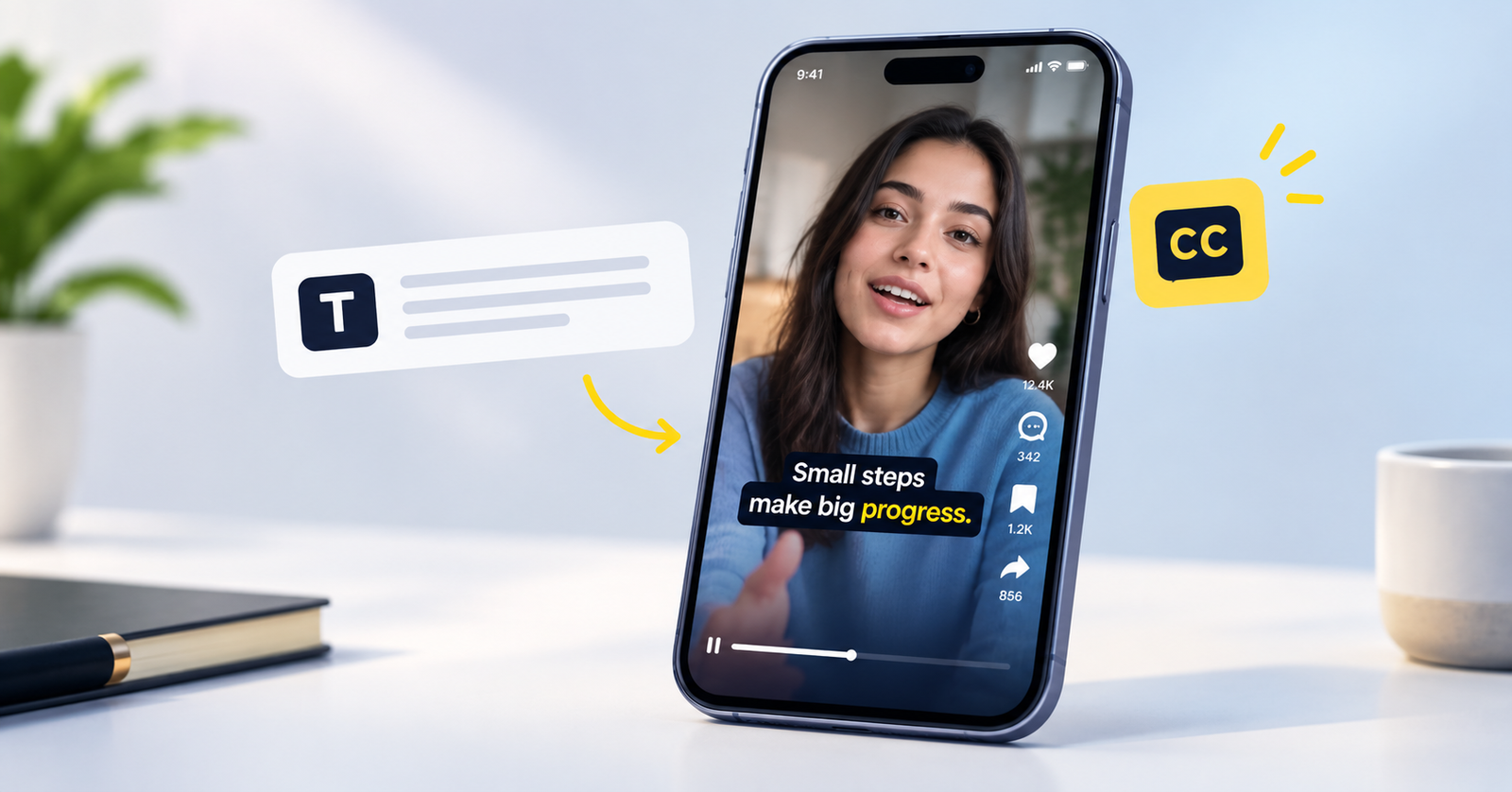
Animated captions that light up word by word can help people follow along, and a single highlighted word can carry a lot of weight. This one setting doubled my views lands harder when doubled stands out. But if every other word is in a different color, nothing stands out at all, and the screen starts to look like a slot machine.
A good habit is to pick, at most, one word per caption to emphasize, and only when that word is the point of the sentence. Keep the rest calm and consistent.
Treat the first caption as a headline
The opening line of a short video does the job of a headline. People decide in the first one or two seconds whether to stay, and many of them decide based on what they read, not what they hear. Make sure the first caption appears immediately, with no delay at the start, and that it says something worth staying for.
If your video opens with “Hey guys, so today I wanted to talk about,” the captions will faithfully show that too. Consider trimming the warm-up so the first words on screen are the interesting ones.
Write numbers, names and punctuation the way people read them
Captions are read, not heard, so write them for the eye. Use numerals (“3 tips”, “$20”) instead of spelling numbers out. Keep brand names in their real spelling and capitalization. Use punctuation sparingly but correctly: a question mark tells the viewer a question is coming, and a full stop can sometimes look abrupt at the end of a very short caption, so many creators leave it off when the meaning is already clear.
Emojis can work if they match your audience, but use them as seasoning. One emoji that adds meaning is fine. Five emojis in a caption make it harder to read.
Choose a tool that fits how often you post
You can do all of this by hand in a free editor like CapCut, or in a desktop editor if you already use one. If you publish often, an AI caption tool such as Cutroom can save time by writing the captions and timing them for you. Whichever you use, the same rules apply: read the transcript, fix the line breaks and check the result.
Do a final check on your phone with the sound off
Before you post, watch the whole video on your phone with the sound muted, the way most of your viewers will. Ask yourself three questions. Could I follow the video without the audio? Did any caption disappear before I finished reading it? Is anything covered by the app’s buttons or text?
If the answer to all three is good, you are done. That last check takes less than a minute, and it catches the problems that are invisible in the editor.
The short version
Readable captions are accurate, broken into natural phrases, on screen long enough to read, large and high-contrast, placed clear of the app’s interface, and calm, with one highlighted word at most. None of it requires special software, only a little attention. Get these basics right and your captions will do what they are meant to do: keep people watching long enough to hear what you have to say.

- How to Add Captions to Short Videos That People Actually Read - October 8, 2026
- 10 Step AI Search Content Optimization Checklist - October 6, 2026
- Competitor Visibility Tracker: How to Monitor Search and AI Visibility - August 22, 2026