
15 Best Tech Accessories for Remote Work 2026
The best tech accessories for remote work address everyday challenges such as awkward screen heights, unclear audio during calls, and limited laptop ports. In 2026, hybrid work arrangements remain widespread, with professionals continuing to balance office responsibilities and home-based productivity. Reliable tools help maintain comfort and efficiency throughout typical 6–8 hour workdays, whether working at a dedicated desk or a temporary setup like a kitchen table.
Remote workers gain most from accessories improving posture, video presence, and connectivity. A sturdy laptop stand or quality webcam delivers immediate practical value without steep learning curves. For more budget-friendly options, check our best affordable gadgets under $100 in 2026. This guide presents 15 proven selections organized by function, explaining their specific benefits and ideal users for sustained productivity.
Each recommendation carries strong user feedback from major retailers. They accommodate various budgets and workstyles, from freelancers managing client projects to managers coordinating distributed teams through video platforms.
Ergonomic Essentials for Daily Comfort
Laptop stands consistently rank among the best tech accessories for remote work by elevating screens to eye level. The Rain Design mStand offers a stable aluminum base that securely holds 13-16 inch laptops. Its open architecture promotes airflow underneath, preventing thermal buildup during extended use. Video conference participants and document reviewers notice less neck discomfort after initial hours.
Adjustable footrests promote healthy leg positioning under crowded desks. The Mind Reader footrest flips between two heights and angles, fitting standard office chairs. Shorter individuals or those with limited under-desk clearance maintain comfortable thigh-to-floor relationships. The textured surface resists slipping even with stockinged feet during adjustments.
Memory foam wrist rests relieve typing pressure points. HyperX wrist rests retain firm support throughout long sessions, unlike bargain foam that collapses quickly. Developers drafting code or writers composing articles benefit from consistent cushioning that supports natural hand positions without elevation. OSHA’s ergonomics guidelines emphasize proper wrist positioning during repetitive tasks.
Audio Equipment for Reliable Communication
A high-quality headset is one of the best tech accessories for remote work because it reduces distractions and improves communication clarity. Sony WH-1000XM5 models use thick over-ear padding to block conversations and appliances effectively. Built-in microphones manage moderate background noise during virtual meetings. Team leads conducting daily standups value the consistent performance without frequent position adjustments. Wirecutter’s headphone evaluation methods detail their testing approach for call quality and comfort.
True wireless earbuds support movement around workspaces. Nothing Ear (2) connects seamlessly across laptops, phones, and tablets with clear voice transmission. Parents handling interruptions or consultants pacing during brainstorming sessions appreciate the untethered design for brief check-ins.
Audio setup checklist for remote work:
- Verify microphone clarity matches your room acoustics before important calls
- Confirm battery endurance covers complete workdays without recharging
- Test multipoint connection between work laptop and personal phone
- Ensure comfortable fit sustains 4+ continuous hours of wear
How Video Accessories Improve Remote Presence
External webcams surpass built-in laptop cameras under typical room lighting. The Logitech Brio 4K delivers sharp images across a 90-degree field of view, accommodating solo presentations or small team huddles. Client-facing professionals notice improved clarity during after-hours calls when natural light fades. Harvard Business Review’s video conferencing research discusses visual quality’s impact on meeting effectiveness.
Document cameras capture physical materials clearly. Elgato DocCam positions overhead to photograph notes, textbooks, or prototypes without shadows. Educators displaying handwritten work or specialists demonstrating products value the flexible arm adjustments and glare-free imaging.
Connectivity Solutions for Modern Laptops
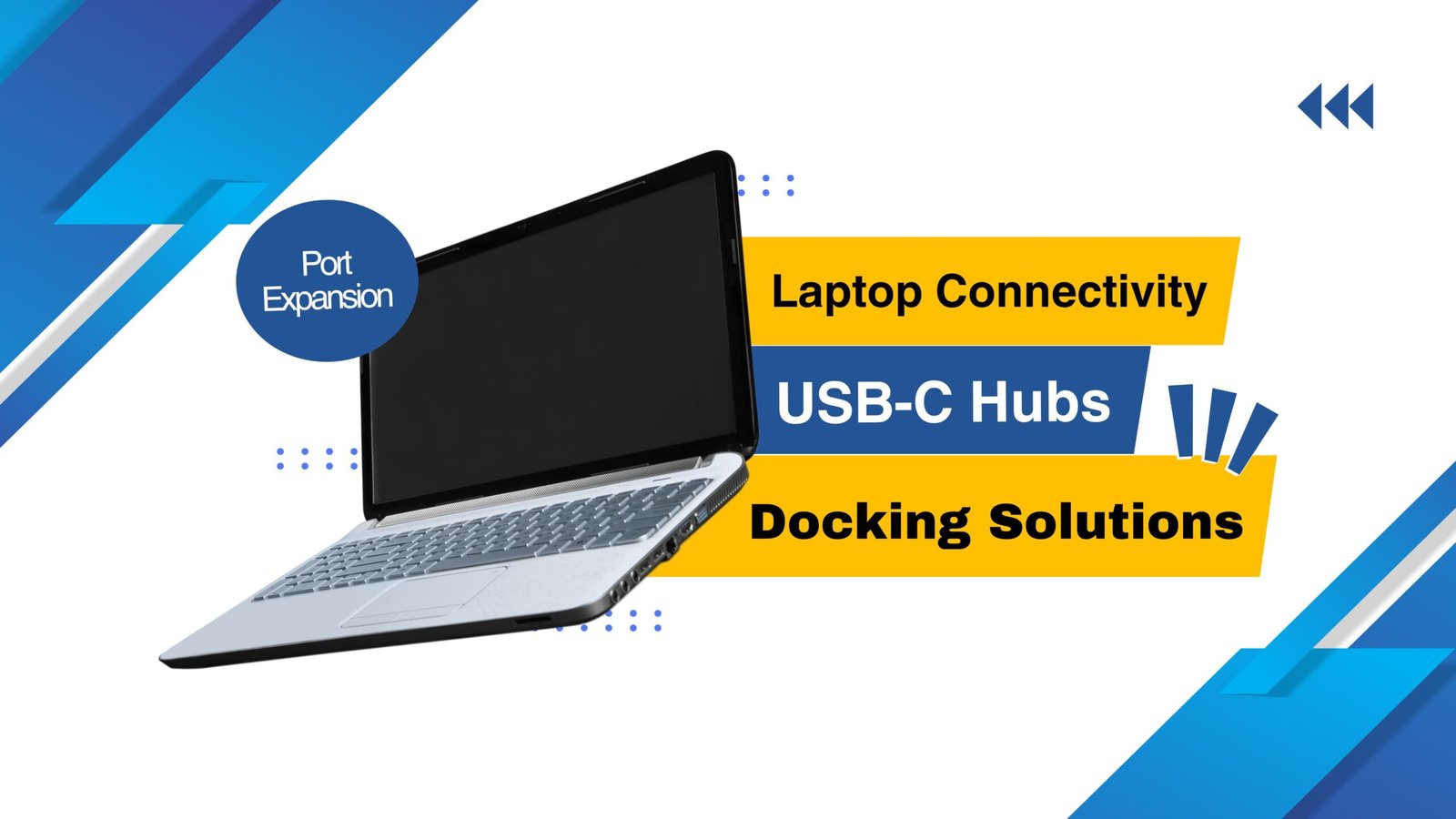
USB-C hubs overcome port limitations on ultrathin devices. Anker 555 USB-C Hub supplies HDMI video output, SD card access, and 100W charging through single-cable connection. Video editors importing raw footage or sales representatives attaching projectors depend on its dependable multi-device performance.
Portable power banks prevent unexpected shutdowns. Anker Prime 20,000mAh provides laptop-compatible charging alongside phone power. Professionals in regions with unreliable electricity or frequent travelers maintain workflow through midday power gaps. Consider our best affordable gadgets under $100 for budget power options.
Wireless charging stations streamline desk power management. Belkin Boost Charge 15W simultaneously powers phones and earbuds on a nonslip surface. Multitaskers juggling multiple devices eliminate daily cable searches during peak productivity hours.
Modern connectivity requires these core components:
- USB-C hubs expand essential ports instantly for presentations
- Laptop-grade power banks sustain full workdays reliably
- Wireless pads charge phones and accessories simultaneously
- Ethernet adapters ensure stable video conferencing connections
Productivity Enhancers: Best Tech Accessories for Remote Work in 2026
Portable monitors enable efficient dual-screen arrangements. Asus ZenScreen draws power through USB-C while folding compactly for travel bags. Data analysts referencing spreadsheets or writers consulting source materials maintain documents visible without window switching. PCWorld’s portable monitor buying guide covers essential connectivity considerations.
Mechanical keyboards deliver superior typing experience. Keychron K8 provides low-profile switches quiet enough for shared homes, supporting both Mac and Windows layouts interchangeably. Programmers handling extensive codebases or editors managing lengthy reports prefer the responsive tactile feedback over flat laptop keys.
Workspace Finishing Accessories
Monitor lights balance facial illumination effectively. BenQ Screen Bar mounts directly to displays, casting light across keyboards without screen glare. Afternoon video participants achieve more even lighting as room brightness naturally declines.
Cable organizers maintain professional desk appearance. OHill braided sleeves accommodate various wire thicknesses, simplifying connection identification. Users managing webcams, external drives, and peripherals trace cables quickly during setup changes.
Leather desk mats serve dual purposes. Harber London mats protect work surfaces while providing smooth mouse tracking and comfortable typing feel. Long-term remote professionals customizing dedicated spaces value the durable, nonslip construction adding subtle sophistication.
Remote workspace optimization includes:
- Mount monitor lights above displays for even face lighting
- Bundle cables vertically behind desk legs for clean appearance
- Position secondary screens at same height as primary display
- Keep charging stations within comfortable arm’s reach
Monitor arms reclaim valuable desk real estate. Ergotron LX smoothly supports 27-inch displays through full range of motion. Dual-monitor arrangements or shallow workspaces gain notepad and beverage space while preserving comfortable viewing angles.
Conclusion
The best tech accessories for remote work prioritize practical solutions over complex specifications. Start with foundational items a quality laptop stand and reliable headphones covering essential daily needs. Expand to monitors, hubs, or lighting as workflows demand more screen space or connectivity.
Test accessories within your actual environment before permanent adoption. Established tools foster productive routines over time rather than requiring constant replacement. In 2026, dependable equipment supports sustained remote work success across varied home office conditions.
FAQs About the Best Tech Accessories for Remote Work in 2026
1. Which single accessory improves work most immediately?
Laptop stands provide instant screen height correction, benefiting every video interaction and document session from first use.
2. HeadPhones or earbuds for primary audio needs?
Over-ear headphones excel for stationary desk sessions with superior noise isolation. Earbuds better serve frequent position changes around the home.
3. When do portable monitors justify purchase?
Multitaskers managing email, documents, and chat simultaneously gain organization. Single-application users see minimal benefit unless traveling often.
4. How to organize cables most effectively?
Measure thickest cables first for sleeve sizing, then bundle thinner wires. Apply small identification labels for quick reconnection during rearrangements.

- How to Add Captions to Short Videos That People Actually Read - October 8, 2026
- 10 Step AI Search Content Optimization Checklist - October 6, 2026
- Competitor Visibility Tracker: How to Monitor Search and AI Visibility - August 22, 2026