How to Fix a Pixelated Image: 5 Causes and the Repair Workflow That Works (2026)
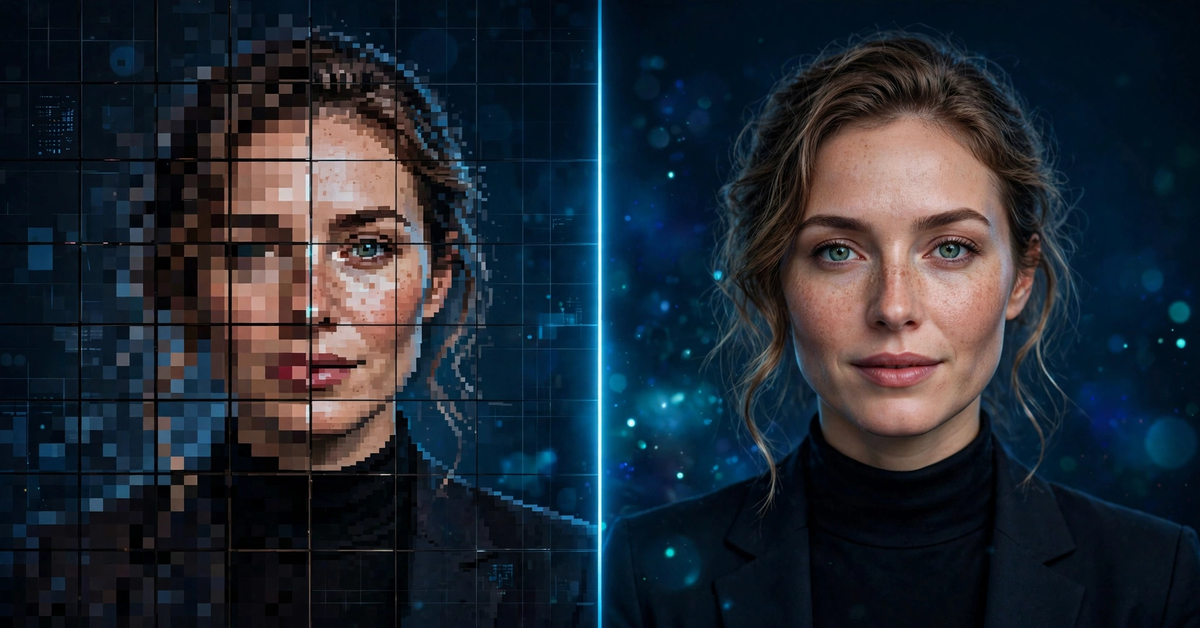
A photo that looked fine on your phone can collapse into a mosaic of chunky squares the moment you print it or zoom in. Learning how to fix a pixelated image starts with a fact most tutorials skip: the right repair depends on why the pixels appeared. An over-compressed JPEG, a thumbnail stretched to poster size, and a screenshot cropped ten times each need a different fix.
This guide covers the five real causes of pixelation, a thirty-second diagnosis routine, the AI repair workflow that rebuilds lost detail, and the no-app fixes that work when the original file still exists.
Why Images Turn Into a Grid of Squares
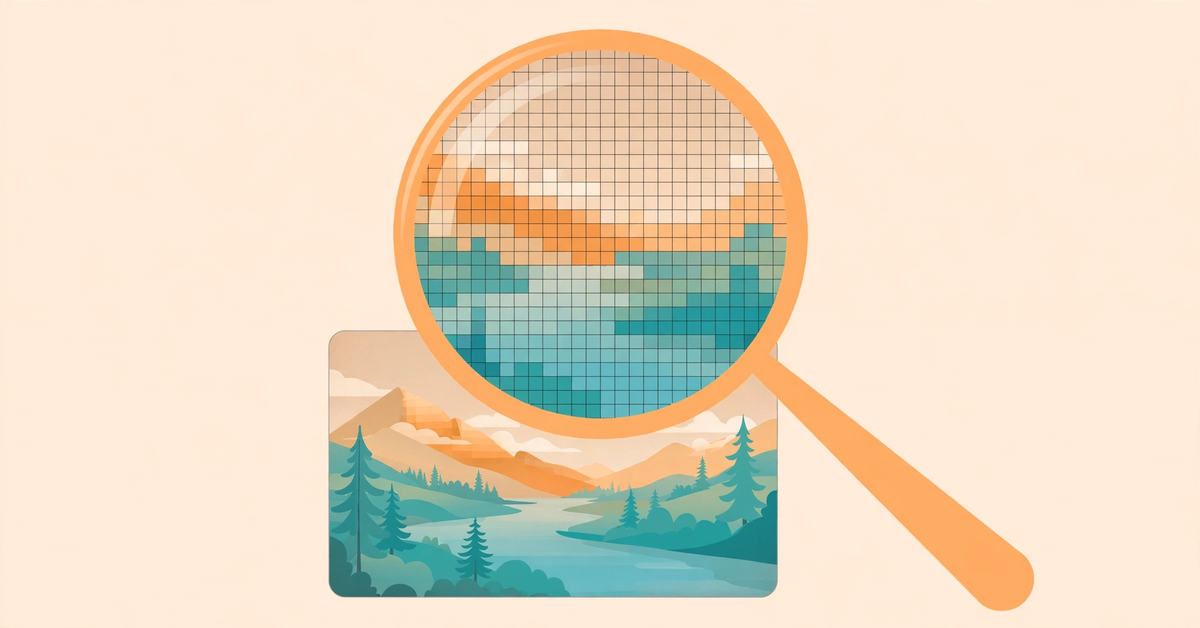
A digital photo is a grid of tiny colored squares, and it looks smooth only when enough squares fool your eye. When too few pixels cover too much space, you see the grid. Five things cause this, and knowing which one bit you decides your fix.
A tiny source stretched too far. The number one cause. A 400-pixel-wide profile picture cannot fill a 2000-pixel-wide banner; every original pixel becomes a visible block, because resizing up just makes the blocks bigger.
Aggressive compression. JPEG saves space by discarding fine detail, especially around edges. One careful save looks fine, but repeated re-saving and sharing through messaging apps compounds the damage until artifacts ring every edge.
Cropping into a small corner. Blow a 10 percent crop up to full size and you have asked a fraction of the sensor data to do the whole job.
Low-resolution downloads and thumbnails. Saving a preview instead of the full-size file gives you a fraction of the original pixels: fine as an icon, a blocky image at anything larger.
Screenshots of screenshots. Each screenshot is re-compressed, and each enlargement spreads the damage, which is why forwarded memes and saved chat photos look so rough.
Diagnose the Damage Before You Touch Anything
Open the image on a desktop screen and zoom to 100 percent, so one image pixel equals one screen pixel. Study a detailed area such as hair, small text, or a hard edge. What you see tells you the cause and the first move.
| What you see at 100% zoom | Likely cause | First move |
|---|---|---|
| Square blocks and stair-step edges | Image pixelated by enlargement or a low-res source | AI repair pass, or find the original file |
| Smudges and halo rings around text and edges | Heavy JPEG compression, repeated saves | Find a less-compressed copy; AI repair as fallback |
| Soft, smeared detail with no visible grid | Missed focus or camera shake, not pixelation | Light sharpening; reshoot if detail is gone |
| Sharp thumbnail that breaks apart when opened | Preview hiding a low-resolution source | Re-download or re-export at full size |
This check prevents the most common mistake: attacking every problem with a sharpen filter, which only makes blocks crisper or halos worse. Match the cure to the cause.
Right-click the file and check its properties. If a photo destined for a full-screen header is 320 pixels wide, no edit will outrun that fact.
How to Fix a Pixelated Image With an AI Repair App
When the original file is gone, modern AI repair apps are the strongest answer to how to fix a pixelated image. Search for how to unpixelate an image and you will meet a whole category of them. Unlike old sharpening filters, a trained model analyzes the blocky areas and redraws plausible detail, clean edges, and natural textures.
One honesty clause: pixelation destroys information, so what you get is a convincing reconstruction, not the original pixels. That is excellent for faces, which carry predictable structure even at tiny sizes, and unreliable for tiny text or barcodes.
The workflow is nearly identical across tools, whether the button says unpixelate image, image unpixelate, or depixelate image:
- Start from the least-damaged copy. Skip the screenshot-of-a-screenshot and hunt down the original download, the pre-compression version, or the full-size export. The more evidence the model gets, the more faithful the repair.
- Upload to a repair tool. Topaz Labs offers a browser-based tool that rebuilds lost detail pixel by pixel with nothing to install. Unpixelate.ai is a focused free option for anyone looking to un pixelate an image online: drop in a JPG, PNG, or WebP, run the Standard tier (free, two runs a day without an account, as of October 2026), and compare a before/after slider before downloading.
- Choose a modest enhancement level first. Pick 2x rather than 4x, or the standard model over the aggressive one. A conservative first pass stays closer to your source, and you can always run a stronger pass on the result.
- Zoom in and inspect at full size. Check faces for waxy skin, scan text for invented letters, and look for odd repeating textures in hair or fabric. AI can invent details that look plausible but are wrong; this is the moment to catch them.
- Finish with a light manual pass. If the repair looks slightly soft, a gentle contrast tweak in an AI photo editor adds final crispness. Skip heavy sharpening on top of an aggressive AI pass.
One honest limit: no pixel cleaner can reverse deliberate censorship. Mosaic-blurred faces and text hide the original information on purpose, and a model can only guess. Any tutorial that promises to “clean up pixilated photo with AI” and reverse a redaction is selling fiction.
Fixing Things the Old-Fashioned Way: How to Fix Pixelated Photos Without Apps
Sometimes the smartest way to fix pixelated photos is not repair at all, it is finding better source material:
- Ask for the original. Most blocky photos arrived through a messaging app that crushed them. Ask the sender to resend the photo as a document or cloud-drive link, which skips the compression entirely.
- Check your own camera roll or cloud backup. The full-resolution original is often sitting in Google Photos, iCloud, or the phone that took the shot.
- Re-download at full size. If you saved a thumbnail or preview, go back and grab the largest version. Look for “original” or “full size” options.
- Reshoot at the camera’s highest resolution if the subject is still there; it beats any software repair.
- Print smaller instead of repairing. A photo that is blocky at poster size can look crisp at postcard size. Roughly 300 pixels per inch of print width gives sharp results.
Keep the Next Photo From Ever Looking Blocky
Once you know how to fix a pixelated image, prevention is a settings change, not a skill. Shoot and export at the highest resolution you can, and shrink copies only for specific uses. Save graphics with text as PNG and photos as high-quality JPEG (quality 80 or above), and never re-save an already-compressed JPEG at lower quality. When sharing, use document or file-transfer modes in messaging apps instead of the default photo send. If you want free editors to build a clean workflow, our free tools page is a good starting point. Photos that start life with plenty of pixels never develop the blocky look.
Pixelation Repair Questions, Answered
Can I fix a pixelated image for free?
Yes. Unpixelate.ai gives two free standard-quality runs a day without an account, and Topaz Labs lets you try its browser repair tool without installing anything. Free tiers usually cap resolution or daily runs, and severely damaged sources still need the original file.
Can AI fix pixelated pictures with unreadable text?
It can clean up mild blockiness around readable text, but it cannot reliably recover text that is truly unreadable: the model guesses at shapes it cannot see and invents letters. When you are learning how to fix pixelated pictures that contain important text, find a higher-resolution source instead of trusting an AI reconstruction.
What is the difference between depixelating and unblurring?
Depixelating removes a visible square grid caused by too few pixels covering too much space; unblurring fixes softness from missed focus or camera movement. Treating one problem with the other’s tool wastes a pass.
Will sharpening in Photoshop fix a pixelated image?
No. Traditional sharpening brightens edges but cannot create detail that was never captured. On a truly pixelated photo it just makes the blocks more defined. Sharpening is a finishing step after a repair pass, never the repair itself.
Can I unpixelate a photo that was censored on purpose?
No. Mosaic or blur censorship destroys the underlying information, and no repair tool can recover the exact hidden content. Reconstruction is a creative guess, not a recovery, so reversing a redaction is both technically unreliable and ethically out of bounds.
Start With the Best Source You Have
Knowing how to fix a pixelated image comes down to a short sequence: diagnose the cause, chase down the least-damaged copy, run one careful AI repair pass, and inspect the result at full size before you use it. Most blocky photos are saved by the second step alone. When they are not, modern repair apps can rebuild a genuinely usable photo from surprisingly little, as long as you respect their limits: faces yes, invented text no, and censorship stays censored.

- AI Watermark Remover: How to Clean Up Your Own Images Without Crossing the Line - November 4, 2026
- 15 Best AI Tools for Research, Matched to Every Step of the Job - November 3, 2026
- Best Free AI Headshot Generator: 5 Tools That Are Actually Free (2026) - November 3, 2026