Uncensored AI Photo Editor: What It Is and Why It Matters in 2026
AI photo editing has moved far beyond simple filters and touch-ups. Today, an uncensored AI photo editor gives creators more freedom to transform images with text prompts, image-to-image editing, object replacement, background changes, and advanced detail enhancement. This article explains how these tools work, where they are useful, and what to check before choosing one.
1. What an uncensored AI photo editor means
An uncensored AI photo editor is a tool that edits images with fewer built-in content blocks than traditional AI editors, allowing broader prompt interpretation and more flexible visual changes. In practice, that usually means users can describe the edit in natural language and get more direct results without the editor refusing every unusual request.
This does not mean the tool is automatically safe for every use case. Responsible platforms still apply terms of service, privacy controls, and content rules, especially for abuse prevention and copyrighted content concerns.
2. How these editors work
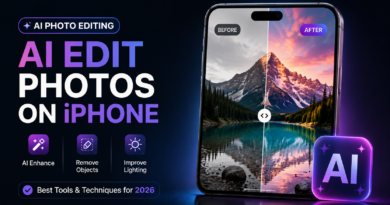
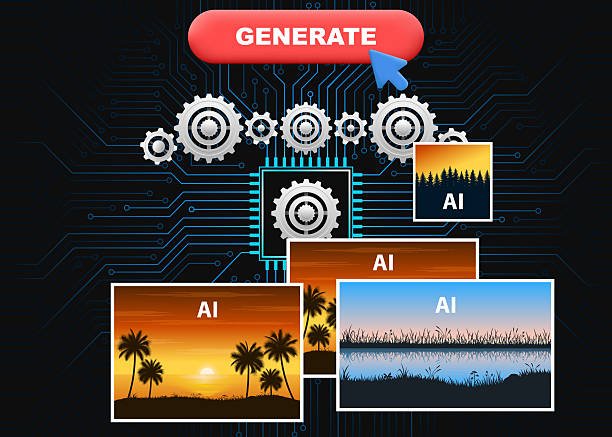
Most modern AI photo editors work in two main ways: text-to-image editing and image-to-image transformation. You upload a photo, enter a prompt, and the system applies AI models to change style, lighting, background, or other visible elements while trying to preserve the core subject.
Common functions include:
- Background replacement.
- Outfit or style changes.
- Lighting correction.
- Object removal.
- Photo enhancement and sharpening.
- Creative stylization such as cinematic or anime looks.
3. Latest features in 2026
The newest uncensored-style AI editors focus on speed, prompt flexibility, and high-quality output. Recent tools highlight smart prompt-based editing, image-to-image transformation, and support for multiple artistic styles in a single workflow. Some platforms also promote better detail preservation, stronger realism, and faster generation than older editors.
Notable features users now expect include:
- Natural-language editing.
- Faster generation with history tracking.
- Better facial and object consistency.
- High-resolution export.
- Style variation from realistic to cinematic.
- More precise area-based editing.
4. Best use cases for creators
These tools are especially useful for marketers, designers, bloggers, and social media creators who need fast image changes without starting from scratch. A good AI editor can turn one image into several campaign versions, save hours of manual retouching, and support visual experimentation for ads and content.
Typical use cases include:
- Product photo enhancement.
- Social media thumbnails.
- Blog post featured images.
- Personal branding visuals.
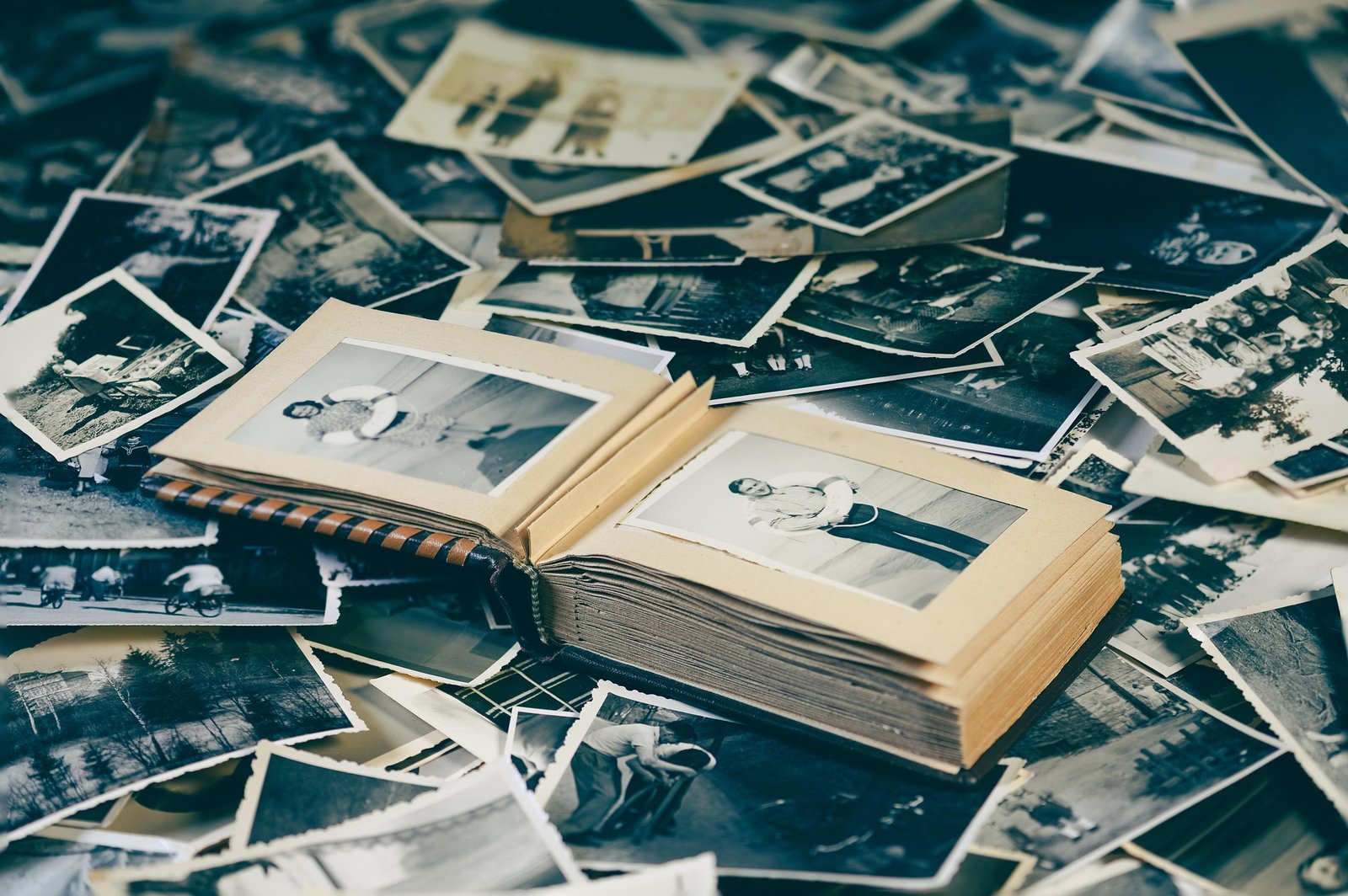
- Old photo restoration.
- Creative concept mockups.
5. What to look for before choosing one
Not every uncensored AI photo editor is equally useful. Some tools advertise freedom but still produce weak results or inconsistent output, so quality matters as much as flexibility. The best tools combine creative freedom with strong realism, stable image structure, and good privacy practices .
Before choosing a tool, check:
- Output quality and realism.
- Whether it preserves identity and composition.
- Privacy and data handling.
- Export resolution.
- Speed and ease of use.
- Whether it supports both editing and enhancement.
6. Safety, ethics, and legal issues
More editing freedom does not remove the need for careful use. Users should avoid violating privacy, impersonating people, or creating misleading images that could harm others. AI-generated or AI-edited visuals also need to respect copyright and platform policies, especially when the image is used in commercial work.
A practical rule is simple: use AI for creativity, restoration, and productivity, not deception. That keeps your work professional and reduces risk.
7. How to Choose the Right AI Editing Service
Selecting the right AI photo editing service is important if you want both quality and control. A good platform should give you fast results, reliable image enhancement, and enough creative flexibility to handle different types of edits without making the process complicated. For readers who want a broader solution, you can also explore our photo editing and AI tools page to find a service that matches your workflow and content needs.
8. Where to Learn More
For readers who want to explore more, these two external resources fit this topic well:
9. How to get better results
The quality of your prompt makes a huge difference. Clear instructions usually outperform vague requests, especially when you want background changes, style shifts, or realistic enhancement [1][2]. If your first result is not perfect, refine the prompt instead of trying to do everything at once.
Use prompt patterns like:
- Change the background to a minimal studio setup.
- Make the lighting softer and more professional.
- Keep the person unchanged, but enhance sharpness and color.
- Turn this into a cinematic social media portrait.
10. Final thoughts on choosing wisely
An uncensored AI photo editor can be a powerful creative assistant when you need flexibility, speed, and strong visual output. The best options in 2026 focus on prompt-based editing, style control, image consistency, and high-resolution results. For content creators and marketers, that combination can save time while keeping visuals fresh and competitive.
The smartest approach is to choose a tool that balances creative freedom with privacy, reliability, and professional quality. That way, you get a practical editor instead of just a flashy AI demo.
FAQs
1. What is an uncensored AI photo editor?
It is an AI-based image editor that allows broader prompt-driven editing with fewer content blocks than traditional tools.
2. Can I use it for professional work?
Yes, many creators use these tools for marketing visuals, social graphics, and quick retouching, as long as they follow copyright and platform rules.
3. Are uncensored AI photo editors safe?
They can be safe if the provider offers privacy controls, clear terms, and responsible usage rules, but users should still avoid harmful or deceptive edits.
4. What makes a good AI photo editor?
A good editor should produce realistic results, preserve image structure, support prompt-based changes, and offer high-quality export.

- How to Add Captions to Short Videos That People Actually Read - October 8, 2026
- 10 Step AI Search Content Optimization Checklist - October 6, 2026
- Competitor Visibility Tracker: How to Monitor Search and AI Visibility - August 22, 2026