Best Free Image Editor AI: Essential Tools and Tips for 2026
Photographers and content creators spend countless hours wrestling with finicky manual edits, from tedious background masking to endless color adjustments. Expensive subscriptions for professional software add unnecessary strain, especially for freelancers and small teams testing ideas. Enter the free image editor AI revolution smart platforms that automate complex tasks with precision, delivering stunning results in seconds.
This guide spotlights the top free image editor AI options for 2026, blending detailed reviews, practical tutorials, and workflow comparisons. You’ll learn real use cases, free versus paid trade-offs, and how to select the best free AI photo editor for your needs, whether quick social posts or polished e-commerce visuals.
How AI Image Editors Are Reshaping Daily Design Tasks
Modern AI image editors transform raw photos into professional assets through neural networks that detect edges, lighting, and objects automatically. In 2026, these tools process 8K files via cloud acceleration, making high-end edits accessible without powerful hardware.
They shift focus from technical drudgery to creative decisions, empowering non-designers.
- Marketers swap backgrounds for brand consistency.
- Bloggers upscale old images for fresh posts.
- Teams generate mockups from single uploads.
What Actually Makes a Free Image Editor AI Worth Using
A standout free image editor AI balances power with simplicity, offering generative fills and one-click enhancements without watermarks or signups. 2026 trends emphasize prompt-based editing, where text descriptions trigger precise changes like “brighten skin tones naturally.
Key strengths include batch processing and mobile compatibility, crucial for remote workflows. Explore complementary options like AI photo culling software to streamline your full pipeline.
Free Image Editor AI Tools That Deliver Real Results in 2026
Photopea mirrors professional editors with AI-driven selections and healing brushes, handling layers and masks seamlessly in any browser. Features cover content-aware fills, object removal, and upscaling to 4K advantages lie in unlimited free use and PSD compatibility; limitations include steeper learning for beginners. Best for detailed blog visuals; fully free with optional ad-free premium.
Pixlr excels in speed with AI auto-enhance and generative expand.
- Features: Background remover, magic eraser, text-to-image tweaks.
- Advantages: No account needed for basics, mobile-ready.
- Limitations: Free exports capped at 2048px.
- Best use case: Social media thumbnails.
- Pricing: Free; Plus $4.90/month. Try Pixlr for quick tests.
Fotor provides portrait-focused AI tools like skin smoothing and batch retouching, integrated with collage builders. It upscales low-res shots effortlessly, though advanced filters require pro access. Pros include intuitive sliders cons are occasional processing queues. Ideal for e-commerce portraits free unlimited, Pro $8.99/month.
Canva’s Magic Edit suite enables free background swaps and object additions via simple prompts, backed by millions of templates.
Quick specs:
- AI strengths: Expand edges, remove elements.
- Advantages: Team collaboration, drag-and-drop.
- Limitations: Subtle branding on some free exports.
- Best use case: Marketing graphics.
- Pricing: Free core; Pro $12.99/month. See Canva templates.
GIMP enhanced with AI plugins delivers open-source depth, using extensions for inpainting and style transfer.
- Features: Custom brushes, noise reduction, diffusion fills.
- Advantages: No usage limits, highly scriptable.
- Limitations: Plugin installation needed.
- Best use case: Custom designer workflows.
- Pricing: Completely free.
Freepik AI Editor refines images through natural language prompts, pulling from vast asset libraries for seamless blends. It shines in creative expansions but may queue during peaks. Strong for bloggers; free tier solid, premium for extras.
Remove.bg specializes in AI cutouts with edge refinement and shadow matching.
- Features: Bulk removal, format optimization.
- Advantages: 25 free daily credits, 95% accuracy.
- Limitations: Focused solely on isolation.
- Best use case: Product photography.
- Pricing: Free base; API paid. Pair with AI app to merge two photos for composites.
Photoroom offers e-commerce AI with virtual backgrounds and dimensioning.
Overview Pros include fashion try-ons; cons limit free to 10 images daily. Perfect for online stores generous free plan.
Free Versus Premium AI Image Editing Tools Explained
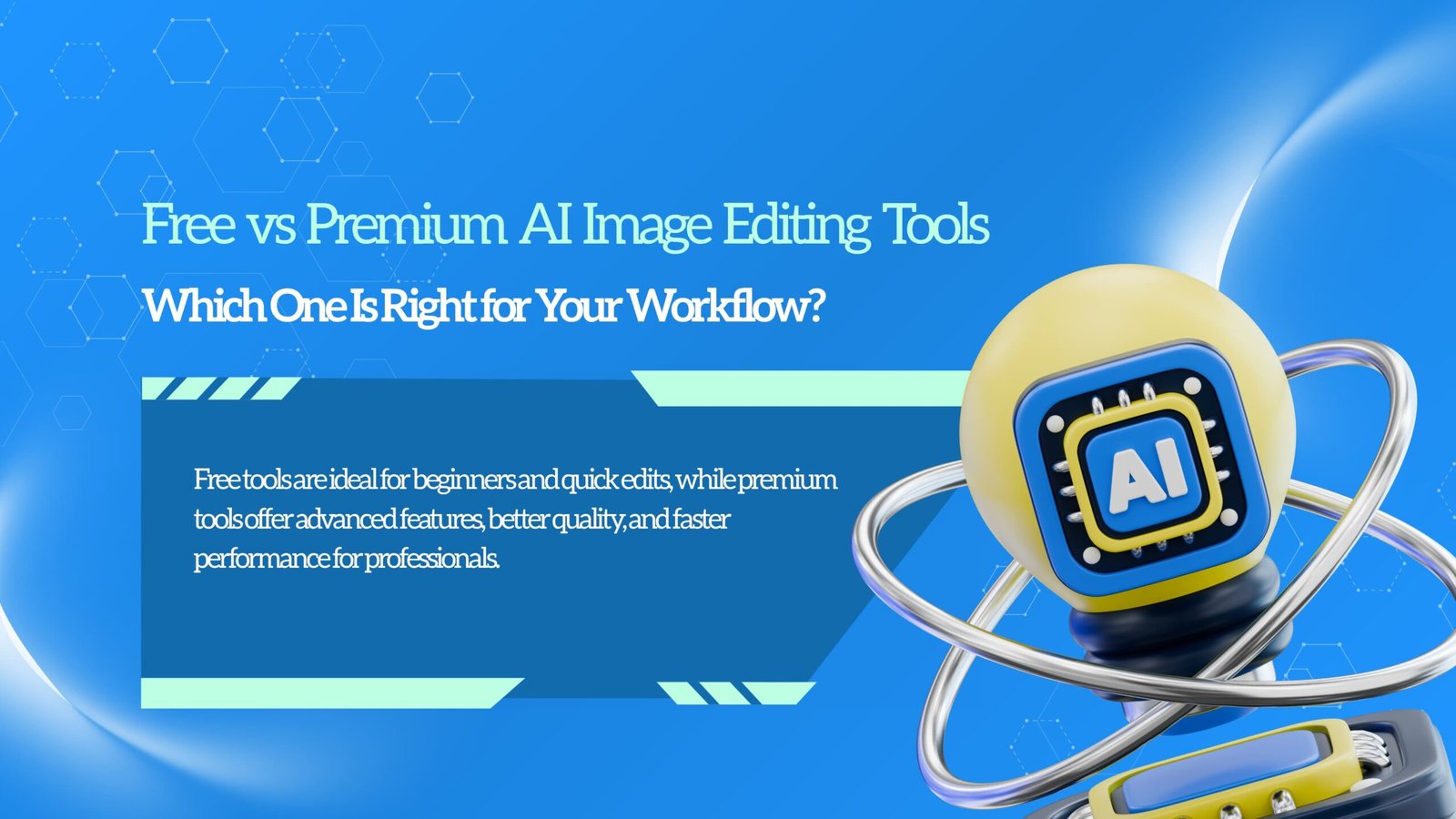
Beginners and bloggers gravitate to free image editor AI like Pixlr for everyday enhancements, dodging complex interfaces while achieving 80% of pro results. These suffice for content calendars, linking well with best tools for monitoring ChatGPT mentions.
Professionals opt for paid tiers in tools like Adobe Express for boundless renders and advanced integrations, vital for client deadlines.
- Scalability: Free handles personal volumes; paid scales to teams.
- Output quality: Free tops at 4K; paid unlocks 16K precision.
- ROI: Free eliminates fees; paid multiplies output speed.
- Workflow efficiency: Free for prototypes; paid for production pipelines.
Choosing the Right AI Image Editor Based on Your Workflow
The best free AI image editor aligns with your edit frequency and output demands, prioritizing tools that evolve with 2026’s multimodal AI advances. Experts recommend workflow audits over feature checklists.
Insight 1: Prioritize Core Edit Frequency
If daily cutouts dominate, Remove.bg saves hours weekly. Reasoning Specialized AI outperforms generalists on repetitive tasks; benchmark your top three edits first.
Insight 2: Assess Resolution and Export Needs
Test 4K upscales early Photopea excels here. Editorial advice: Web bloggers rarely need beyond print pros future-proof with versatile free options.
Insight 3: Weigh Mobile Versus Desktop Demands
Fotor’s app suits on-the-go edits GIMP favors power users. Insight: With global remote work rising, hybrid access prevents bottlenecks.
Insight 4: Track AI Model Updates Quarterly
Active tools like Pixlr roll out prompt refinements rapidly. Pro tip Changelogs signal longevity, ensuring your free image editor AI stays competitive.
FAQs
1. What’s the top free image editor AI for total beginners?
Pixlr wins with one-click AI enhancements and no signup hurdles, turning blurry selfies into crisp posts instantly. Bloggers use it for weekly thumbnails upload, auto-fix lighting, add text, and export. Tip Start with templates to maintain brand colors effortlessly.
2. How reliable is background removal in free AI photo editors?
Remove.bg achieves near-perfect edges on diverse scenes, blending subjects naturally. E-commerce sellers isolate shoes flawlessly; refine strays with built-in erasers post-cutout. Practical example: Process 20 product shots daily without lasso tools.
3. Do free AI image editors output professional-grade files?
Yes, Photopea delivers print-ready PNGs sans watermarks, matching paid clarity. Agencies preview client mocks here; upscale first for sharpness. Use case Restore event photos for portfolios, rivaling studio edits cost-free.
4. How does a free image editor AI differ from AI generators?
Editors tweak existing images precisely, like inpainting flaws generators build anew. Canva’s tools let you erase bystander on real shots ideal for event photography cleanup versus full scene invention.
5. Are free image editor AI tools viable for business scale?
Fotor’s batch processing manages dozens efficiently within limits. Teams handle social campaigns; monitor quotas and rotate tools. Tip: Combine with culling software for end-to-end automation, scaling solopreneurs seamlessly.
Key Considerations Before Relying on AI Image Editing Tools
Free image editor AI platforms shine brightest when vetted against real workloads, from speed to integration potential. In 2026, ethical AI usage and data privacy top lists, alongside offline capabilities for unreliable connections.
Beyond basics, consider community support and export versatility.
- Ensure GDPR compliance for client images.
- Verify multi-format outputs like WebP.
- Test integration with CMS like WordPress.
Wrapping Up Free Image Editor AI Possibilities
The landscape of free image editor AI tools in 2026 offers unprecedented access to pro-level editing, automating tedium while fostering creativity across skill levels. From Pixlr’s agility to GIMP’s depth, they cover essentials like upscaling and retouching without financial gates.
Begin with Photopea for versatility or Remove.bg for specific tasks, and experiment with a few tools to find what fits your workflow best. Over time, these AI-powered editors can significantly reduce manual effort while improving output quality. To stay updated with evolving features and trends, explore tools like Fotor’s AI editor, which continues to introduce practical enhancements for modern creators.

- How to Add Captions to Short Videos That People Actually Read - October 8, 2026
- 10 Step AI Search Content Optimization Checklist - October 6, 2026
- Competitor Visibility Tracker: How to Monitor Search and AI Visibility - August 22, 2026