When a Windows 11 Update Disrupts System Stability
Windows 11 update causes issues more often in 2026 due to the increasing complexity of cumulative servicing stacks. These disruptions lead to system performance degradation across consumer and enterprise deployments. This briefing provides analytical insights into the patterns driving Windows 11 update causes issues within the year’s update ecosystem.
Automatic repair loop issues frequently trap devices during failed installations, complicating recovery efforts. AI-powered Windows diagnostics analyze failure logs with greater precision than previous methods. Modern Windows servicing model updates prioritize security hardening updates, yet they expose vulnerabilities in rollback chains.
The 2026 Windows Update Architecture Explained
The 2026 Windows Update stack changes integrate hotpatching directly into baseline cumulatives, aiming to maintain uptime while delivering extensive fixes. Secure Boot and TPM 2.0 enforcement validates payloads against strict integrity standards, often halting installations on non-compliant hardware. Enterprise update rings and staged rollout enable telemetry-driven deployments that limit exposure to known cumulative regressions.
WinRE enhancements support advanced scripting for offloaded recovery operations. These architectural shifts reflect Microsoft’s focus on balancing security with reliability. The Windows security update cadence demonstrates these refinements in practice.
Cumulative Updates and Unexpected System Behavior
Cumulative updates in 2026 carry denser payloads that heighten risks of Windows 11 update causes issues such as boot interruptions. Servicing mismatches in builds like 26200.7623 often result from unapplied prior stacks.
Field telemetry identifies consistent patterns in these failures.
- UNMOUNTABLE_BOOT_VOLUME BSOD affects systems lacking December servicing layers.
- GPU black screens interrupt NVIDIA hardware during state transitions.
- Outlook hangs disrupt POP profiles synced with OneDrive PST files.
Known cumulative regressions follow these patterns predictably. Deferrals prevent widespread impact.
KB5074109 and Reported Performance Problems
KB5074109 from January 2026 addressed over 114 security vulnerabilities but triggered performance regression after patches. Black screens dominated user reports, prompting Microsoft to recommend uninstallation. This release exacerbated Windows 11 update causes issues on builds 26100.7623 and 26200.7623.
NPU power optimizations conflicted with existing driver stacks, raising idle resource usage. The KB5074109 cumulative update details outline mitigation steps clearly.
Security Patches vs Feature Rollouts
Security patches demand immediate deployment to counter zero-day exploits, often clashing with feature rollouts tested in optional channels. Windows 11 update causes issues emerge in hybrid environments where cumulative patches override preview builds. 2026 security hardening updates emphasize privilege escalation defenses and memory integrity checks.
Feature rollouts introduce AI-powered Windows diagnostics gradually, allowing stability validation before enforcement. Patches like KB5074109 resolve battery drain on modern hardware yet introduce boot sequence variances. This tension underscores the servicing model’s core trade-offs between urgency and thorough testing. Enterprise teams navigate these dynamics through extended deferral policies.
Driver Conflicts and Hardware Compatibility Risks
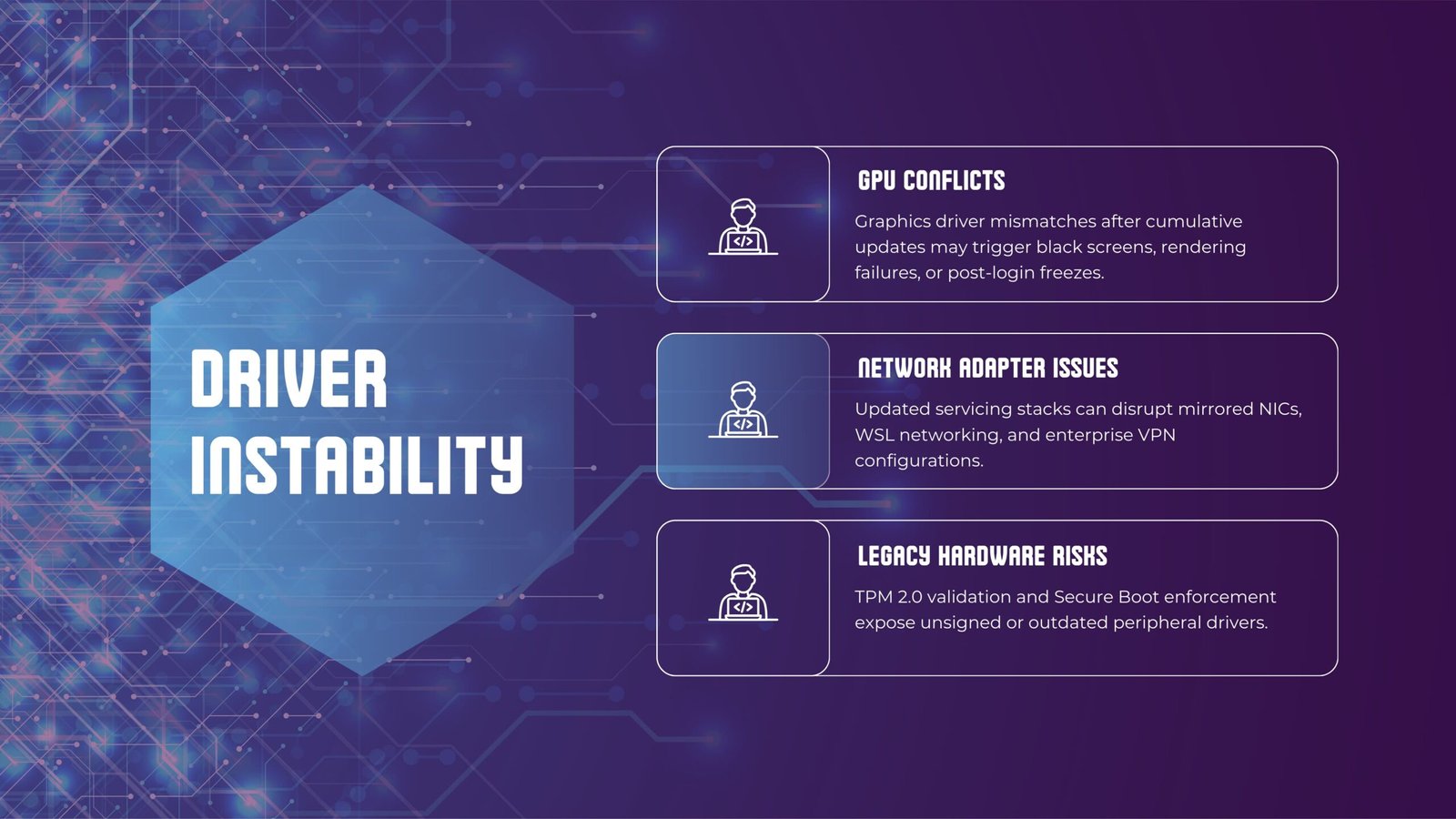
Driver conflicts contribute significantly to Windows 11 update causes issues as cumulatives impose new metadata requirements. NVIDIA shell components fail post-installation, leading to random crashes. Secure Boot and TPM 2.0 enforcement reject unsigned driver remnants, prolonging automatic repair loop issues.
Vendor update cadences lag behind servicing stack evolutions. Hardware validation gaps amplify these incompatibilities across diverse configurations.
Enterprise Deployment and Update Deferrals
Enterprise update management relies on rings to test cumulatives before broad rollout. Deferrals of 30 days or more shield organizations from Windows 11 update causes issues seen in consumer channels. Staged rollout processes analyze telemetry to pause deployments showing anomalies.
Pre-installation servicing stack validation through Intune ensures compatibility before ring advancement.
Troubleshooting After a Faulty Update
Troubleshooting begins with error code analysis from update history logs. AI-powered Windows diagnostics automatically scan for servicing inconsistencies.
Common failure patterns emerge across deployments.
- Servicing stack mismatches trigger installation halts at 95% completion.
- Component Store corruption blocks payload extraction during deployment.
- Pending restart flags prevent subsequent update processing.
These patterns guide targeted repair sequences. DISM and SFC commands address most cases systematically.
Recovery Options and Safe Rollback Procedures
Recovery options include WinRE enhancements that enable precise package removal within the 10-day window. Command-line operations target problematic updates effectively, circumventing boot loops. Bootable media facilitates offloaded executions when on-device access fails.
AI tools confirm rollback completeness post-operation. The Windows 11 update KB5074109 recovery sequence serves as a standard reference.
Performance Optimization After Update Failures
Performance optimization resets affected power plans and clears accumulated caches systematically. AI diagnostics compare post-recovery metrics against established baselines. Disabling contested features stabilizes hardware interactions immediately.
Task Manager and Performance Monitor track improvements over time.
FAQs
1. Why does a Windows 11 update cause issues in 2026 systems?
Servicing stack density creates regressions across hardware configurations. Secure Boot and TPM enforcement adds validation barriers. Enterprise rings and diagnostics limit the scope of disruptions.
2. How do update rings help enterprises avoid update failures?
Rings enable sequential testing from pilot groups to production. Telemetry triggers automatic pauses on detected anomalies. Deferral policies align deployments with internal validation timelines.
3. What resolves automatic repair loop problems most effectively?
WinRE scripting removes conflicting packages directly. AI diagnostics identify specific triggers such as metadata conflicts. BCD rebuild commands restore boot access reliably.
4. Can performance regression after patches be fully reversed?
Rollbacks return systems to stable prior states quickly. Targeted optimizations eliminate remaining inefficiencies. Continuous monitoring verifies long-term stability gains.
Conclusion
Windows 11 update causes issues in 2026 highlight the challenges of advancing servicing complexity. Architectural improvements like AI diagnostics and WinRE enhancements strengthen recovery capabilities. Enterprise controls and staged deployments provide essential safeguards. Microsoft continues refining the stack through iterative updates.